

You are staring at a render queue that will take three weeks to finish. Your powerful AMD MI60 is sitting completely idle while the CPU screams in agony.
This is the curse of the headless EEVEE renderer on Linux systems. Most users simply accept this failure as a limitation of the software.
Breaking this cycle feels like discovering a hidden cheat code for your hardware. You execute a single command and the GPU fans finally spin up to speed.
The render times collapse from minutes per frame to mere seconds. This is the raw power of the Vulkan backend in action.
Automating With Python
If you want to automate this entire workflow via Python, you need the right guide. Grab the Mastering Blender Python API book at https://amzn.to/44Nez0L to start building professional tools.
For complex enterprise deployments, contact our architects at https://ojamboservices.com/contact for custom implementation.
Technical Implementation
Blender is migrating from the ancient OpenGL API to the modern Vulkan standard. This shift allows for better GPU memory management and native offscreen rendering capabilities.
For those using ROCm on AMD hardware, this is a total game changer. You can now bypass the restrictive X11 requirements of the old system.
Working with the MI60 Instinct card presents a unique set of challenges for artists. These compute cards are designed for AI and data science, not for viewport rendering.
They lack a physical display output, which usually confuses the Blender rendering engine. This is where the Vulkan backend becomes an absolute necessity for production.
The critical secret is the explicit definition of the Vulkan Installation Database. You must force the system to use the ROCm driver instead of Mesa.
Set the VK_ICD_FILENAMES environment variable to point directly to the radeon_icd json file. This prevents Blender from falling back to the slow llvmpipe software rasterizer.
Setting this variable ensures that the Vulkan loader finds the correct driver implementation. Without this step, the system defaults to a generic software layer.
This generic layer uses the CPU to emulate a GPU, which is incredibly inefficient. Your render times will skyrocket and your system will likely freeze.
Even with Vulkan, EEVEE often demands a valid display context to initialize. You can solve this by wrapping your execution in a virtual frame buffer.
The xvfb-run tool creates a fake X server in the system memory. This tricks the renderer into thinking it has a physical monitor attached.
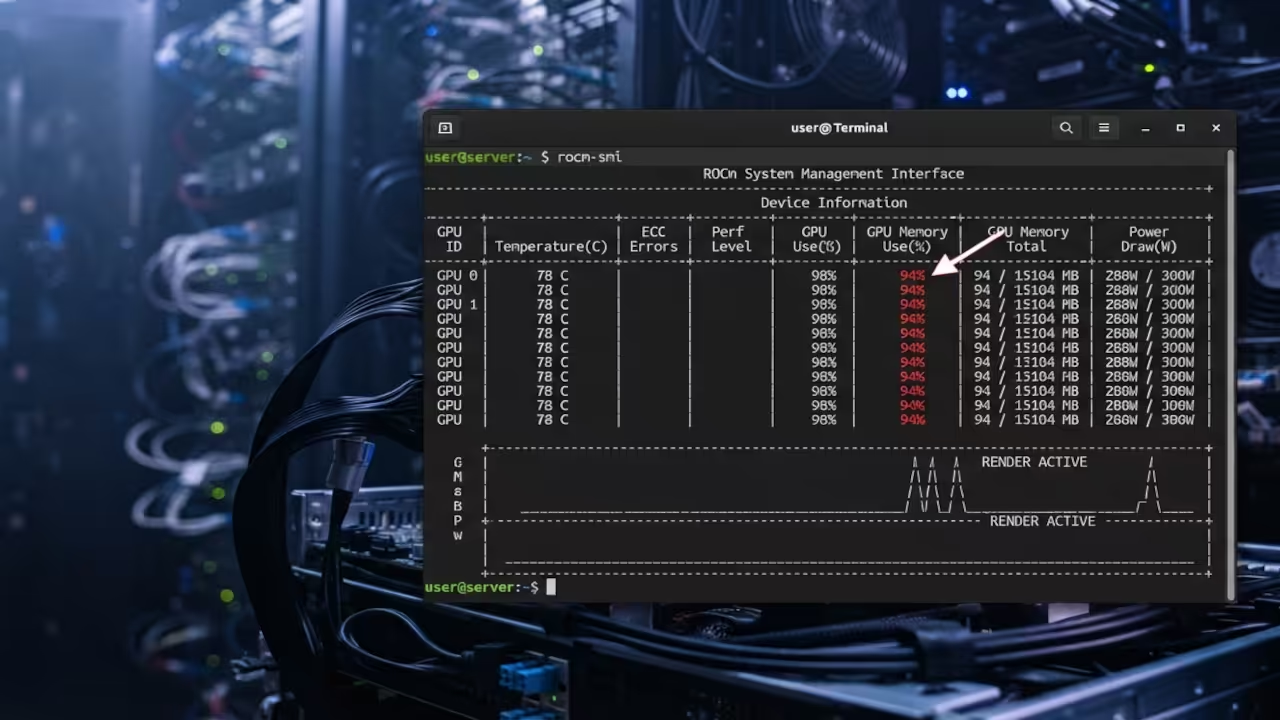
VK_ICD_FILENAMES=/etc/vulkan/icd.d/radeon_icd.x86_64.json xvfb-run -a blender -b -E EEVEE -o //frame_#### -f 1
Hardware Performance
| Parameter | Description | Value |
|---|---|---|
| Driver Path | Software Rasterizer | Mesa llvmpipe |
| Driver Path | Hardware Accelerated | AMD ROCm |
| Memory Use | System Memory | VRAM Native |
| Render Speed | Latency | Very Slow |
| Render Speed | Throughput | Ultra Fast |
| Stability | Standard | High |
| Stability | Vulkan Backend | Experimental |
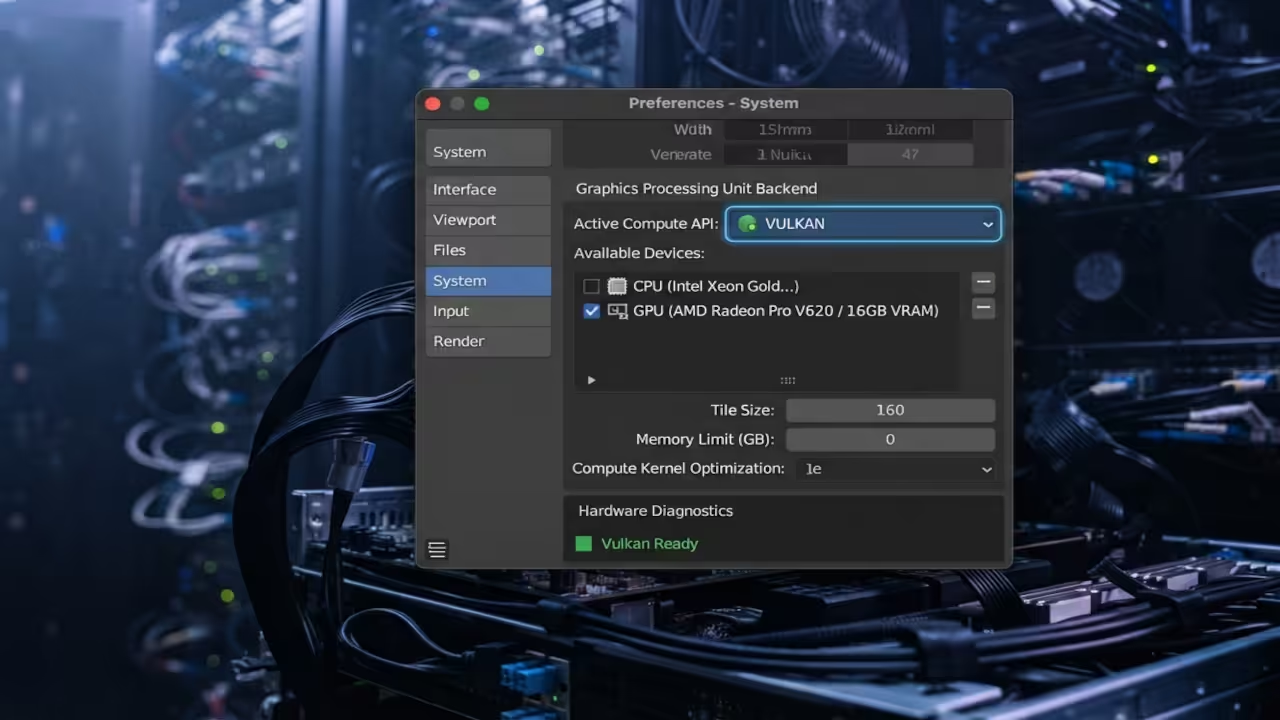
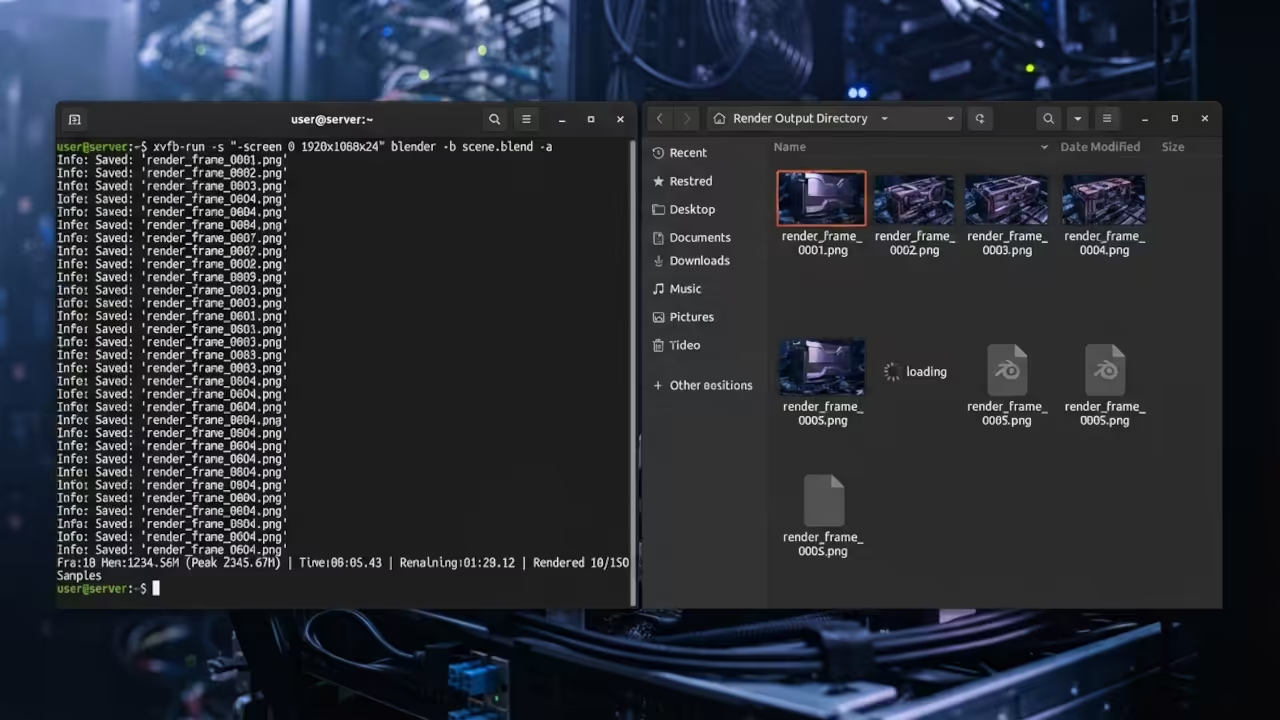
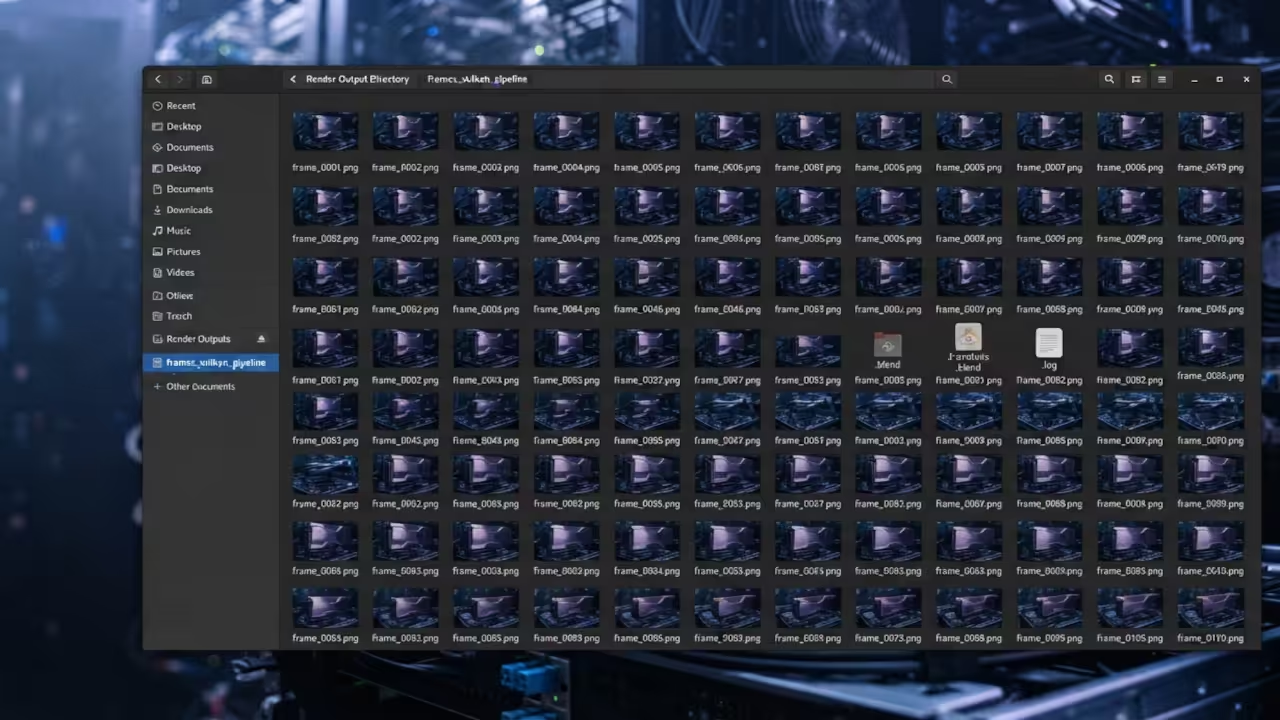
This configuration is essential for those running compute only cards like the MI60. Since these cards lack physical video outputs, they are often ignored by OpenGL.
Vulkan speaks directly to the hardware via the ROCm stack. It enables professional grade rendering on headless server clusters without any fuss.
Integrating this process into a Python pipeline allows for massive scaling of 3D assets. You can automate thousands of renders across multiple GPU nodes.
This level of control transforms a simple workstation into a professional render farm. It is the only way to handle modern high fidelity 3D workloads.
This breakthrough mirrors previous architectural shifts we explored in our GPU optimization series. By decoupling the renderer from the display, you unlock true scalability for 3D projects.
You can now deploy Blender across a fleet of headless nodes with ease. This is how high end studios handle massive real time workloads.
The jump from basic rendering to system architecture requires a deep technical foundation. These blueprints provide the exact path to mastering the professional 3D stack.
Master The Professional Stack
Unlock the full potential of your 3D pipeline with these architectural blueprints. These resources bridge the gap between basic scripts and professional system architecture.
- Books (Technical & Creative): https://www.amazon.com/stores/Edward-Ojambo/author/B0D94QM76N
- Blueprints (DIY Woodworking Projects): https://ojamboshop.com
- Tutorials (Continuous Learning): https://ojambo.com/contact
- Consultations (Custom Apps & Architecture): https://ojamboservices.com/contact
🚀 Recommended Resources
Disclosure: Some of the links above are referral links. I may earn a commission if you make a purchase at no extra cost to you.
Leave a Reply