
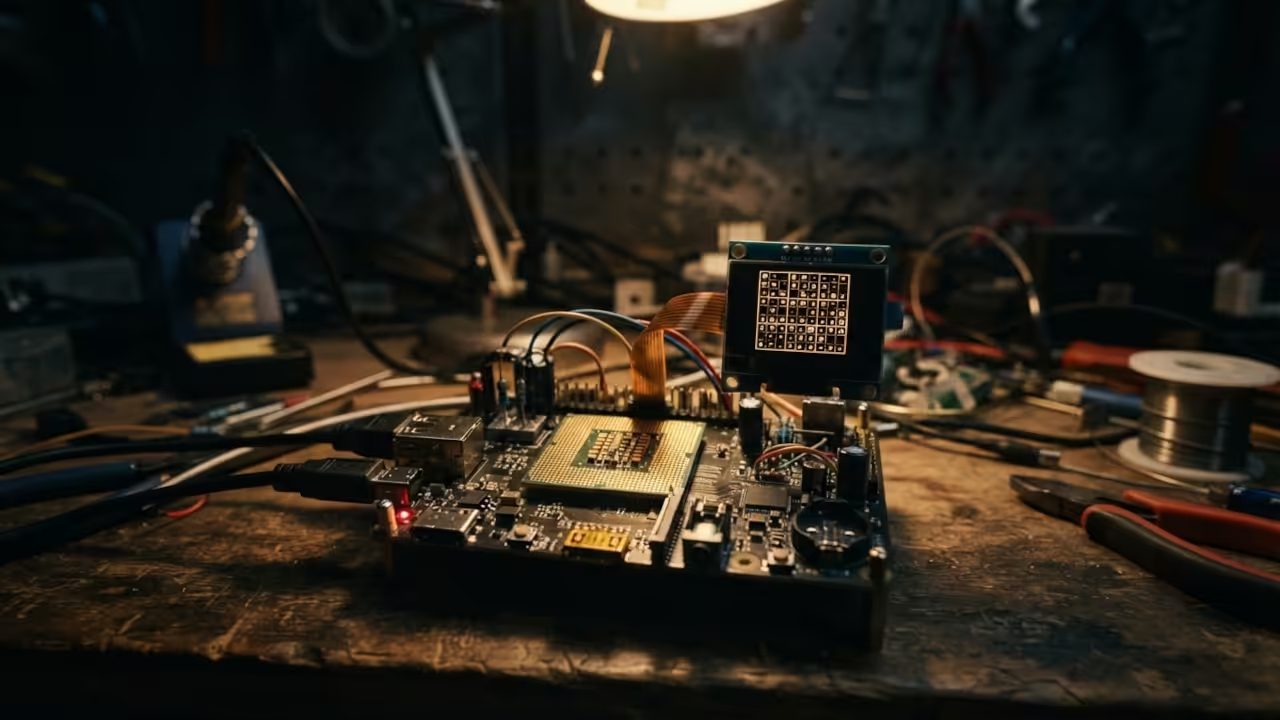
Most tech enthusiasts treat the Raspberry Pi Zero W as a simple IoT gateway or a headless bot. They ignore the untapped potential of the ARMv6 core for dedicated lightweight computation.
The frustration of bloated modern software makes a lean ncurses based interface an absolute necessity.
There is a profound satisfaction in seeing a complex logic game run flawlessly on a device with only 512MB of RAM. The tactile response of the terminal interface creates a focused environment that modern GUIs simply cannot replicate.
This minimal setup transforms a tiny piece of silicon into a powerhouse of mental agility.
Explore more high tier implementations at https://ojamboservices.com/contact.
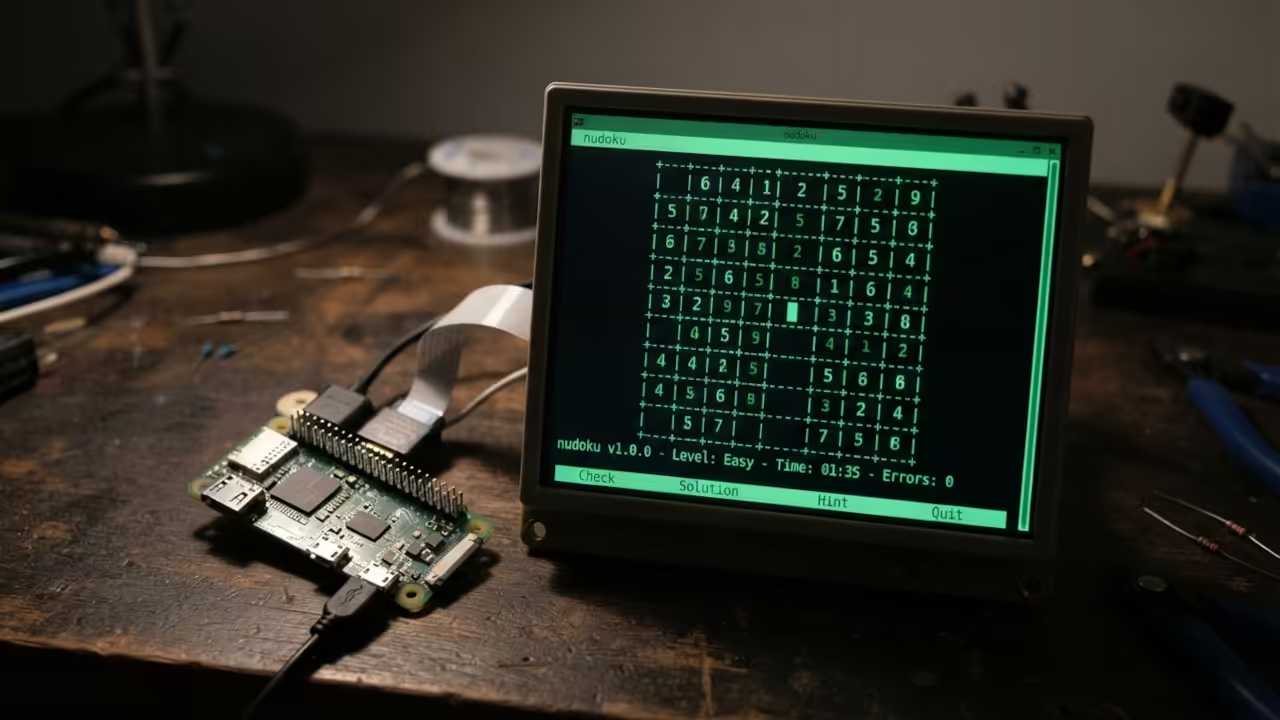
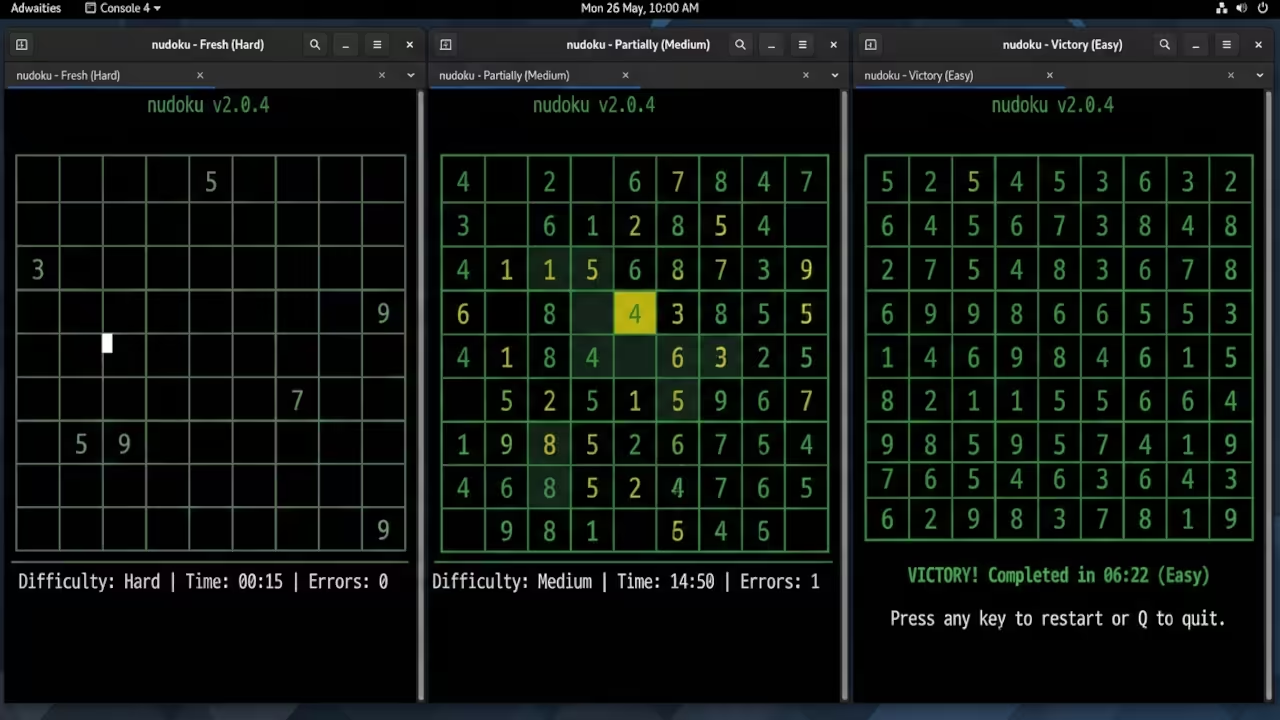
The secret to an elite setup is nudoku a sophisticated ncurses based Sudoku game. Unlike heavy web apps it operates directly in the terminal.
This eliminates the overhead of a desktop environment. It allows the Pi Zero W to dedicate every cycle to the game logic.
Installing the Engine
Installation requires the ncurses development libraries. These are essential for rendering the pseudo graphical interface in a text only environment.
For those seeking absolute performance compiling from source is the only way. It ensures the binary is optimized for the specific instruction set of the Pi Zero W.
The process begins by cloning the source from the official repository. Use the following commands to prepare the environment and build the engine.
sudo apt-get update
sudo apt-get install -y build-essential autoconf automake libncurses5-dev libncursesw5-dev
git clone https://github.com/jubalh/nudoku
cd nudoku
autoreconf -i
./configure
make
./src/nudoku
Hardware Optimization Secrets
To push the hardware further an insider detail involves the memory allocation of the Pi Zero W. By default the system reserves a significant chunk of RAM for the GPU.
Since nudoku is a terminal application this memory is wasted. Edit the config.txt file to set gpu mem to 16.
sudo nano /boot/config.txt
gpu_mem=16
This optimization prevents swap thrashing during high load operations. It ensures a stutter free experience even when running other background services.
This connects perfectly to our previous deep dives into ARMv6 memory mapping and kernel tuning.
| Parameter | Description | Value |
|---|---|---|
| RAM Usage | System Memory Consumption | Less than 10MB |
| Latency | Input Response Time | Near Zero |
| Interface | User Interface Type | Lean ncurses |
| Battery | Power Consumption Rate | Extremely Low |
Advanced Document Export
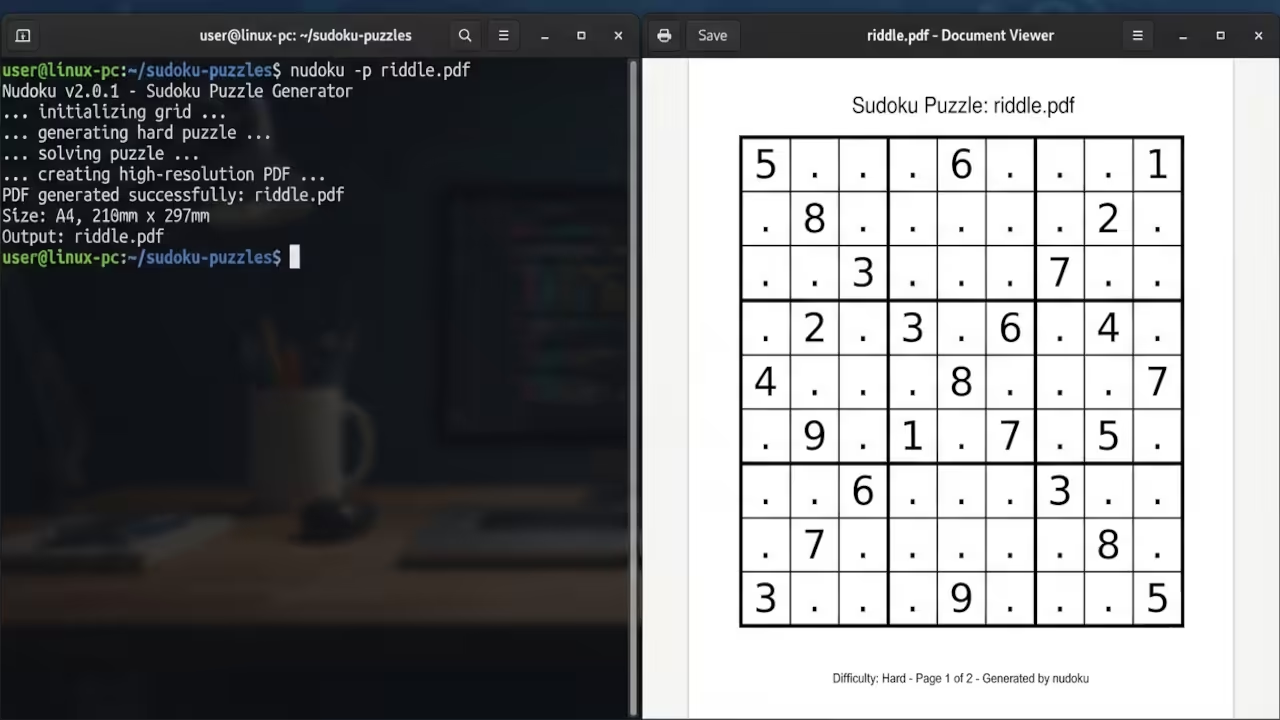
For those wanting to generate physical puzzles the cairo library is a powerful addition. Enabling cairo allows the engine to export high resolution PDF and PNG files.
This turns the Pi Zero W into a dedicated puzzle printing station. Use the following configuration flag during the build process.
./configure --enable-cairo
make
This capability bridges the gap between digital logic and physical media. It mirrors the architectural breakthroughs we explored in our recent series on embedded document rendering.
This lean optimization philosophy is the cornerstone of high performance system architecture. Access the full blueprints for scaling these concepts in the resources below.
Books https://www.amazon.com/stores/Edward-Ojambo/author/B0D94QM76N
Blueprints https://ojamboshop.com
Tutorials https://ojambo.com/contact
Consultations https://ojamboservices.com/contact
🚀 Recommended Resources
Disclosure: Some of the links above are referral links. I may earn a commission if you make a purchase at no extra cost to you.
Leave a Reply