
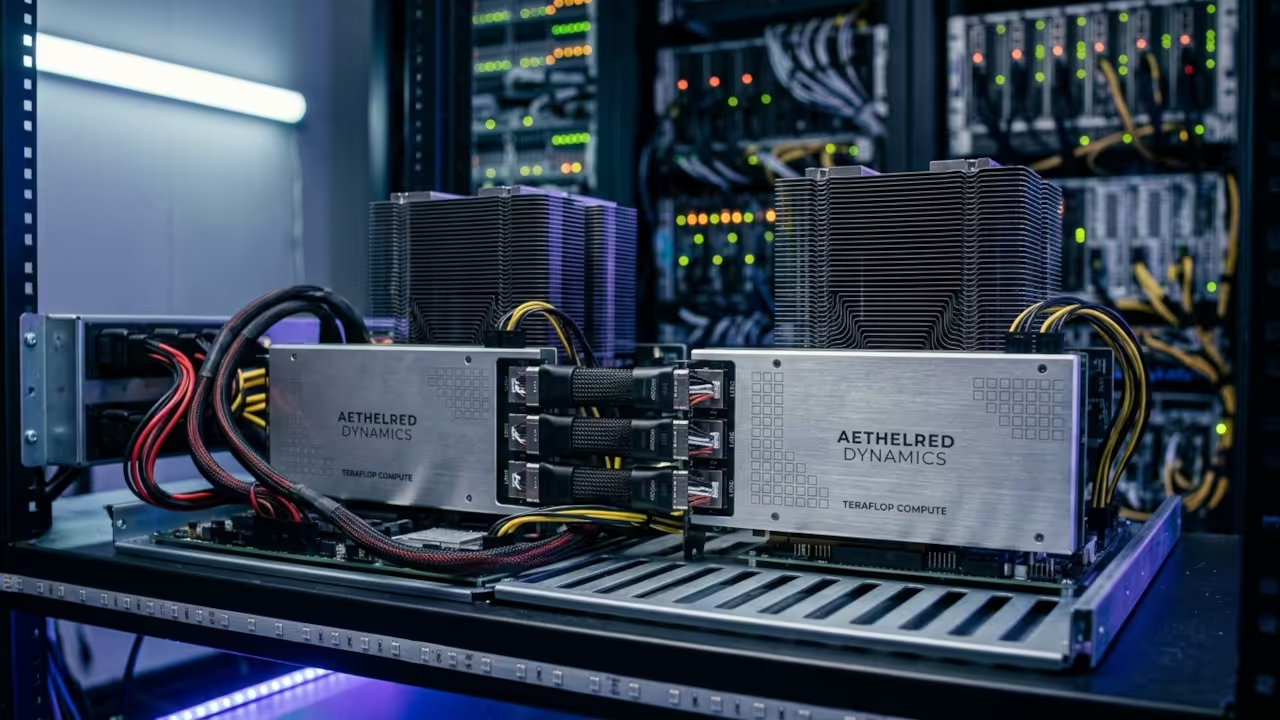
Building a local AI powerhouse today feels like a desperate race against corporate gatekeepers and skyrocketing hardware prices. Most enthusiasts believe they must spend thousands of dollars on consumer cards just to run modern large language models.
The reality is that enterprise grade hardware is hiding in plain sight for those who understand the secondary silicon market. You can bypass the scarcity by leveraging the AMD Instinct MI60 to build a massive sixty four gigabyte VRAM cluster.
The Professional Compute Experience
Successfully initializing a quad MI60 array provides a professional grade experience that consumer hardware simply cannot replicate at this price. The system hums with the silent authority of high bandwidth memory delivering data at speeds that make standard DDR6 look prehistoric.
Watching a massive model load entirely into VRAM in seconds creates a profound sense of technical mastery and operational independence. It transforms your workspace from a standard home office into a legitimate private data center capable of serious workloads.
Technical Implementation Walkthrough
Insider Hardware Optimization Secrets
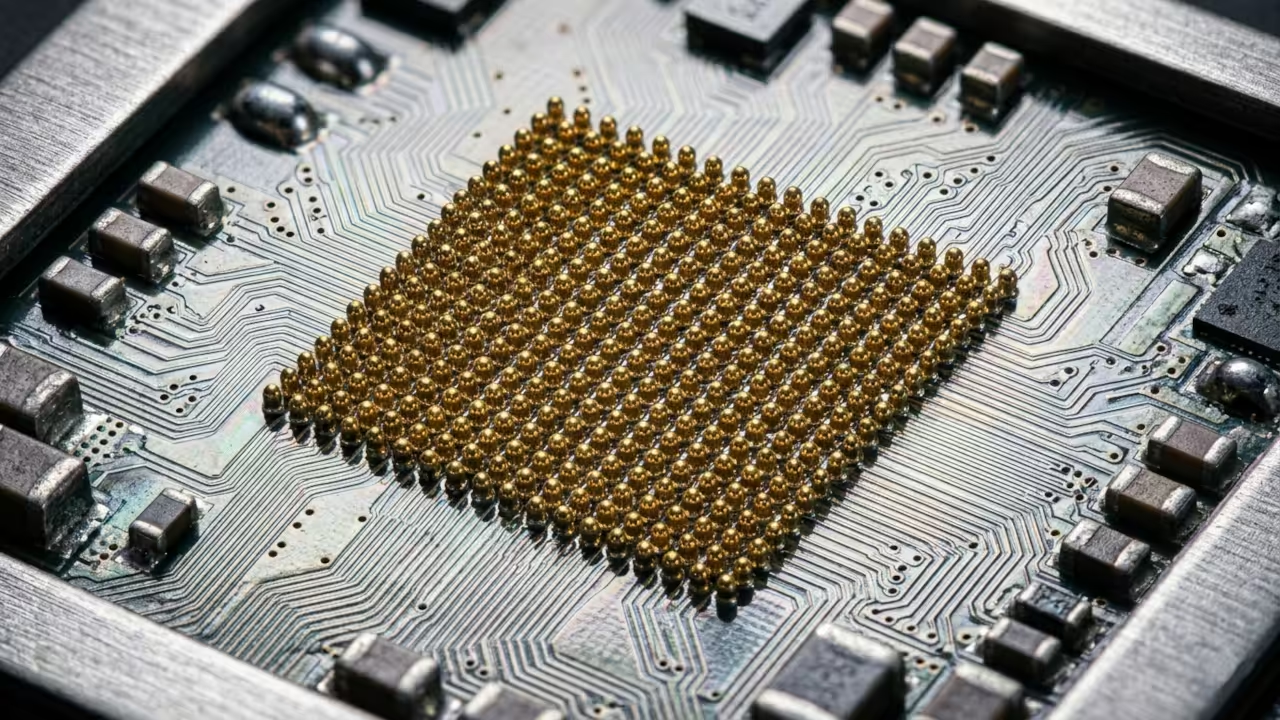
The secret to stability on modern kernels involves bypassing the standard driver bloat by using the direct firmware loading method. You must ensure the ROC ENABLE PRE VEGA variable is set to zero to prevent the driver from falling back to legacy paths.
This specific configuration ensures that the HBM2 memory controller maintains peak efficiency during heavy sustained compute cycles in training. Failure to manually set the power play table limits often results in thermal throttling that kills performance on air cooled setups.
Hardware Comparison and Performance Metrics
The MI60 outclasses modern consumer cards in raw memory capacity and double precision compute tasks for a fraction of the cost. While a standard high end consumer card offers twenty four gigabytes a dual MI60 setup doubles that while maintaining enterprise reliability.
| Parameter | AMD Instinct MI60 | Consumer High End GPU |
|---|---|---|
| VRAM Capacity | 32GB HBM2 | 24GB GDDR6X |
| Memory Bus | 4096-bit | 384-bit |
| FP64 Performance | 7.4 TFLOPS | 0.9 TFLOPS |
| Used Price | $300 | $1600 |
Initialization and Configuration Protocol
To integrate this hardware into your stack you must install the compute firmware packages and configure the udev rules manually. Use the following command sequence to ensure the system recognizes the heavy duty compute accelerators without requiring a proprietary graphical interface.
echo 'SUBSYSTEM=="kfd", GROUP="video", MODE="0660"' | sudo tee /etc/udev/rules.d/81-compute.rules
sudo dnf install rocm-hip-runtime rocm-opencl
rocminfo
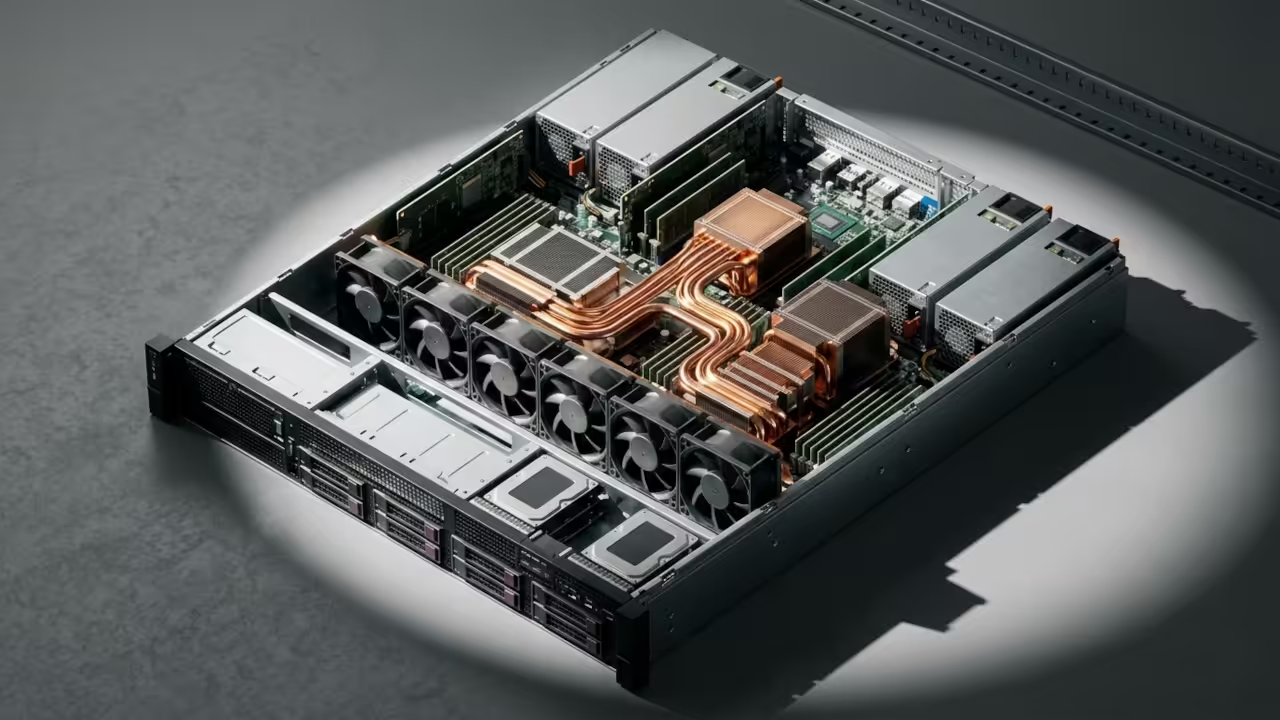
This setup builds upon our previous architectural breakthroughs regarding high density compute nodes and efficient remote resource management for developers. Integrating these cards into a unified cluster allows for parallel processing that rivals the throughput of dedicated cloud instances.
By owning the hardware you eliminate recurring subscription fees and gain total control over your private data and model weights. This strategy represents the ultimate optimization for the modern tech enthusiast looking to dominate the current artificial intelligence landscape.
Master the Professional Stack
Mastering this hardware is the first step toward building the sovereign infrastructure described in our comprehensive engineering guides. These resources provide the deep architectural blueprints needed to scale your local compute power into a professional production environment.
- Technical and Creative Books: Amazon Author Page
- DIY Woodworking Blueprints: Ojambo Shop
- Continuous Learning Tutorials: Contact for Tutorials
- Custom Apps and Architecture Consultations: Professional Consultations
🚀 Recommended Resources
Disclosure: Some of the links above are referral links. I may earn a commission if you make a purchase at no extra cost to you.
Leave a Reply