
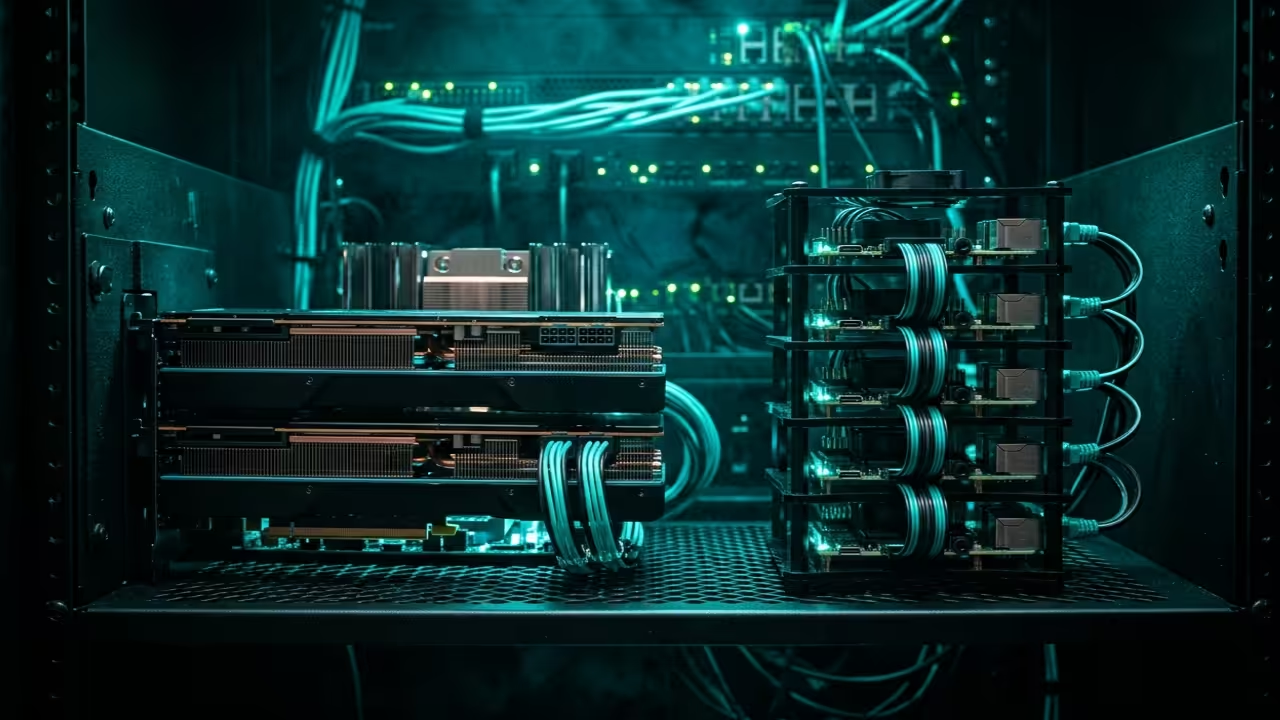
Modern ecommerce developers are currently drowning in a sea of static and uninspiring two dimensional product grids. High end brands now demand immersive spatial experiences that traditional web frameworks simply cannot deliver without massive manual effort.
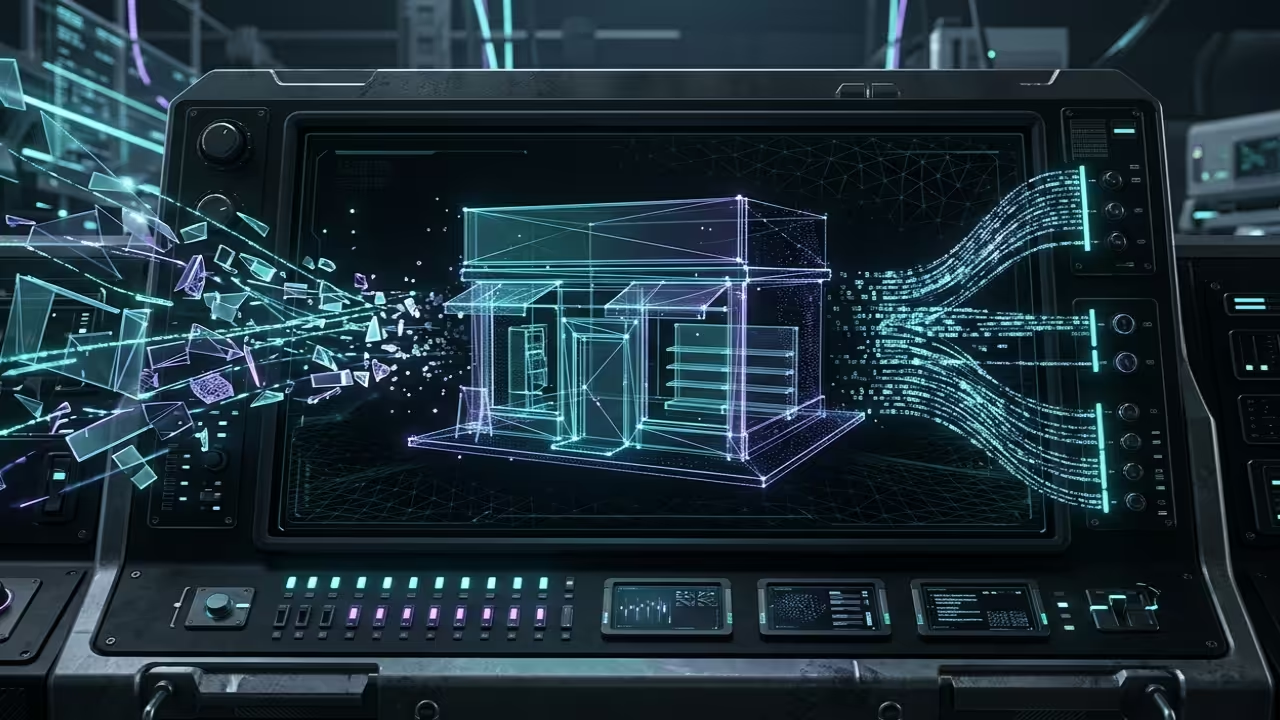
This technical bottleneck creates a significant barrier for creators trying to scale custom interactive 3D environments efficiently. We are solving this crisis by merging programmatic Blender scene construction with real time Threejs deployment strategies.
The Immersive Professional Experience
The transition from a manual modeling slog to a fully automated pipeline feels like gaining a digital superpower. Watching your Python scripts instantly generate complex geometry and optimized UV maps across hundreds of unique assets is incredibly satisfying.
You will experience a seamless flow where your AMD MI60 hardware handles heavy compute tasks without any thermal throttling. This architecture allows you to focus on high level design while the machine manages the tedious vertex data.
Optimizing the Blender Python API
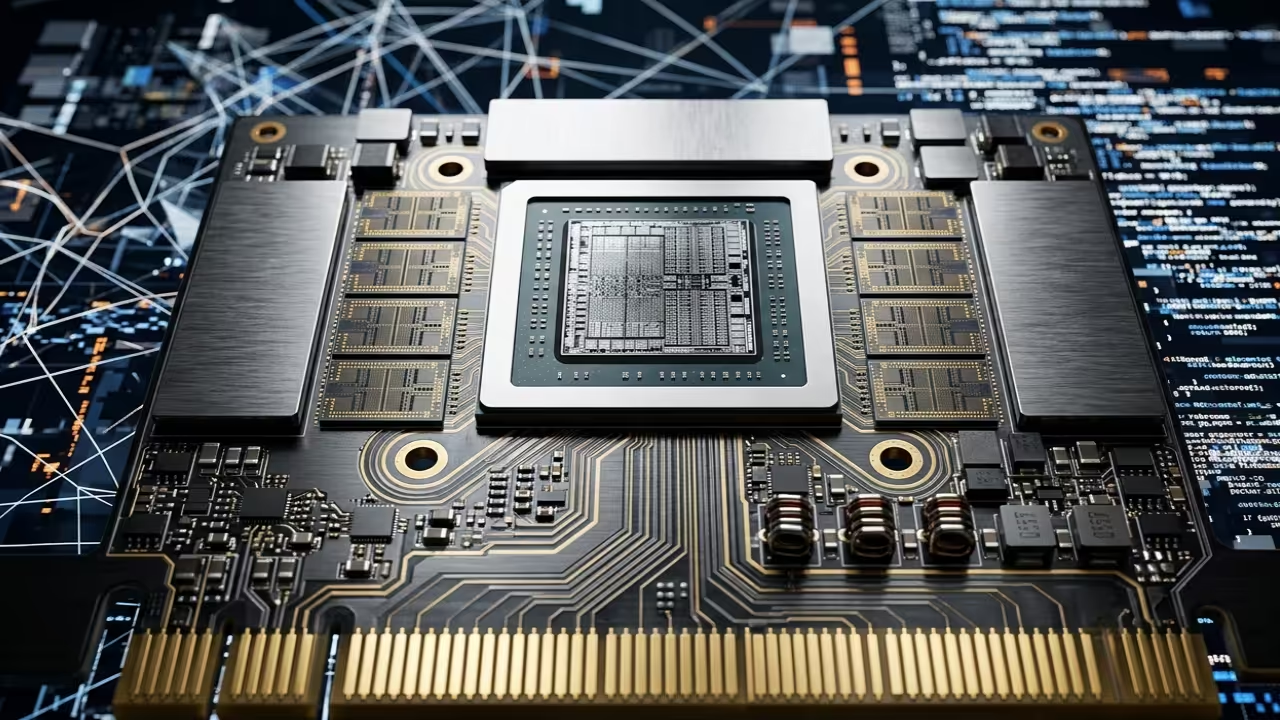
To achieve professional results you must optimize your Blender export settings for the glTF binary format. Use the bpy module to programmatically toggle mesh compression and simplify bone hierarchies before the final export phase.
One insider secret involves using custom vertex attributes to pass metadata directly into the Threejs shader materials. This technique bypasses standard uniform limitations and allows for dynamic per object styling without breaking batch calls.
Headless Automation and Compute Stacks
The core of this workflow relies on a robust Python script executed within a headless Blender instance. You can automate the placement of storefront furniture and lighting rigs based on a simple JSON configuration file.
By leveraging the ROCm stack for rendering previews you ensure that every generated storefront meets your quality standards. This method drastically reduces the time required to update seasonal inventory in a three dimensional web space.
import bpy
import json
def create_storefront(data):
for item in data['assets']:
bpy.ops.mesh.primitive_cube_add(location=item['pos'])
curr_obj = bpy.context.active_object
curr_obj.name = item['name']
data_config = '{"assets": [{"name": "Display_Rack", "pos": [0, 0, 0]}]}'
create_storefront(json.loads(data_config))

Hardware Performance Comparison
When comparing hardware performance for these intensive automation tasks the choice of compute backend is absolutely critical for speed. The MI60 excels at parallel processing during the baking phase compared to standard consumer grade hardware or older workstation cards.
| Feature | Raspberry Pi 5 | AMD MI60 |
|---|---|---|
| Architecture | ARM Cortex-A76 | CDNA |
| VRAM | 8GB LPDDR4X | 32GB HBM2 |
| API Support | OpenGL ES 3.1 | ROCm / Vulkan |
| Feature | Raspberry Pi 5 | AMD MI60 |
Integrating these 3D storefronts into your existing tech stack connects perfectly to our previous architectural breakthroughs in headless CMS deployments. By following these advanced automation steps you ensure your digital assets remain future proof and ready for the next spatial web era.
Master the Professional Stack
These specific automation optimizations bridge the gap between simple 3D concepts and professional grade production environments. Use the links below to secure the foundational knowledge required for large scale system architecture.
- Books (Technical Deep Dives): https://www.amazon.com/stores/Edward-Ojambo/author/B0D94QM76N
- Blueprints (DIY Woodworking Projects): https://ojamboshop.com
- Tutorials (Continuous Learning): https://ojambo.com/contact
- Consultations (Custom Architecture): https://ojamboservices.com/contact
🚀 Recommended Resources
Disclosure: Some of the links above are referral links. I may earn a commission if you make a purchase at no extra cost to you.