
Introduction
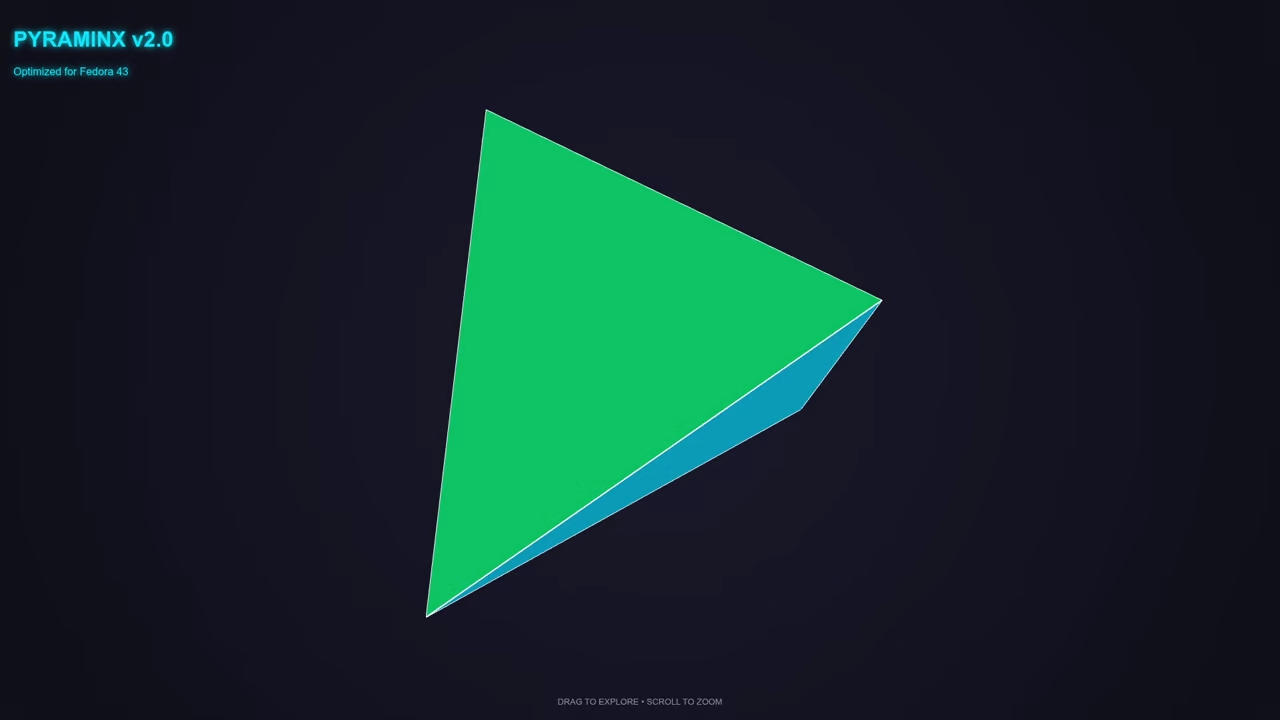
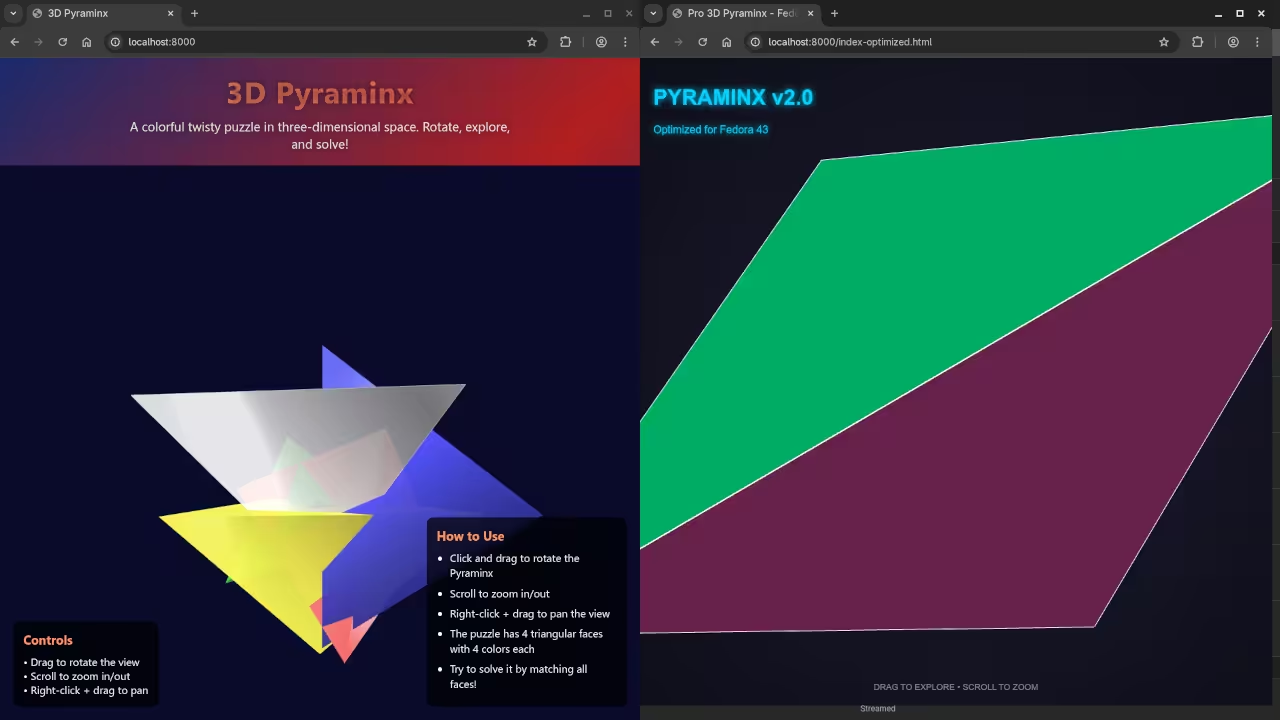
This tutorial improves our initial 3D Pyraminx game code. We will optimize the geometry for better performance today.
Refining the Mathematical Geometry
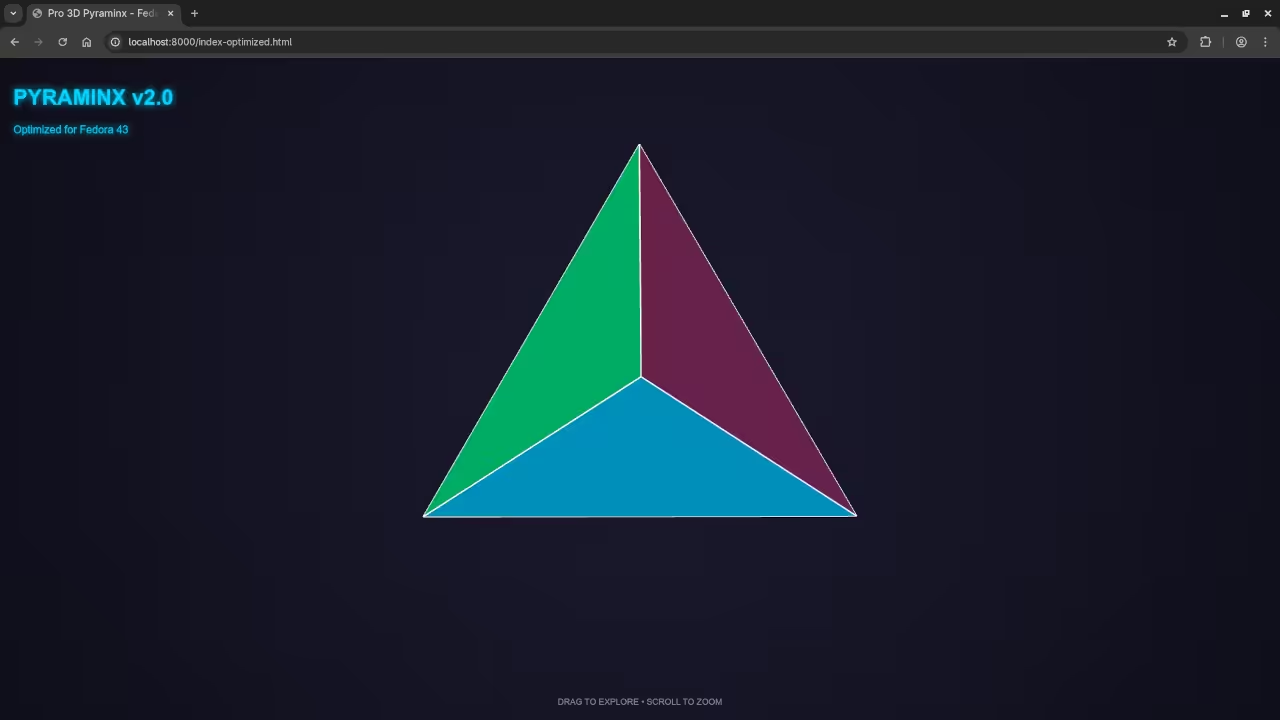
The original code used simple cones for the puzzle. We now use a proper tetrahedron for accuracy.
This update defines four unique vertices in 3D space. It ensures the triangular faces align perfectly every time.
We also added metallic materials to improve the visuals. These shaders make the puzzle look very professional now.
Performance and Visual Optimizations
I added a cyan main light for better depth. A magenta rim light helps the edges glow nicely.
The code now caps the pixel ratio for performance. This keeps the frame rate high on 4K monitors.
Interactive Controls and Movement
The new orbit controls allow for smooth puzzle rotation. We enabled damping to make the movement feel heavy.
This version includes auto-rotation for a great hero shot. You can disable this feature in the animate function.
<script src="https://cdnjs.cloudflare.com/ajax/libs/three.js/r128/three.min.js"></script>
<script src="https://cdn.jsdelivr.net/npm/three@0.128.0/examples/js/controls/OrbitControls.min.js"></script>
<style>
body { margin: 0; overflow: hidden; background: radial-gradient(circle, #1a1a2e 0%, #0f0f1a 100%); font-family: sans-serif; }
#ui { position: absolute; top: 20px; left: 20px; color: #00d2ff; text-shadow: 0 0 10px #00d2ff; pointer-events: none; }
.hint { position: absolute; bottom: 20px; width: 100%; text-align: center; color: rgba(255,255,255,0.5); font-size: 0.8rem; }
</style>
<div id="ui">
<h1>PYRAMINX v2.0</h1>
<p>Optimized for Fedora 43</p>
</div>
<div class="hint">DRAG TO EXPLORE • SCROLL TO ZOOM</div>
<script>
let scene, camera, renderer, controls, group;
function init() {
scene = new THREE.Scene();
camera = new THREE.PerspectiveCamera(45, window.innerWidth / window.innerHeight, 0.1, 1000);
camera.position.set(8, 5, 8);
renderer = new THREE.WebGLRenderer({ antialias: true, alpha: true });
renderer.setSize(window.innerWidth, window.innerHeight);
renderer.setPixelRatio(Math.min(window.devicePixelRatio, 2)); // Performance optimization
document.body.appendChild(renderer.domElement);
// High-End Lighting "Bling"
const ambient = new THREE.AmbientLight(0xffffff, 0.4);
scene.add(ambient);
const mainLight = new THREE.DirectionalLight(0x00d2ff, 1);
mainLight.position.set(10, 10, 10);
scene.add(mainLight);
const rimLight = new THREE.PointLight(0xff0055, 1);
rimLight.position.set(-10, -10, -10);
scene.add(rimLight);
group = new THREE.Group();
createRealPyraminx();
scene.add(group);
controls = new THREE.OrbitControls(camera, renderer.domElement);
controls.enableDamping = true;
controls.autoRotate = true; // Auto-rotate for that "hero shot" look
controls.autoRotateSpeed = 0.5;
window.addEventListener('resize', onResize);
animate();
}
function createRealPyraminx() {
// A Pyraminx is a Tetrahedron. We define the 4 vertices in 3D space.
const s = 4; // Scale factor
const vertices = [
new THREE.Vector3(s, s, s),
new THREE.Vector3(-s, -s, s),
new THREE.Vector3(-s, s, -s),
new THREE.Vector3(s, -s, -s)
];
const colors = [0x00ff88, 0xff3366, 0x00d2ff, 0xffcc00]; // Modern Palette
// Logic to create 4 faces
const faceIndices = [[0,1,2], [0,2,3], [0,3,1], [1,3,2]];
faceIndices.forEach((indices, i) => {
const geometry = new THREE.BufferGeometry();
const verts = [];
indices.forEach(idx => {
verts.push(vertices[idx].x, vertices[idx].y, vertices[idx].z);
});
geometry.setAttribute('position', new THREE.Float32BufferAttribute(verts, 3));
geometry.computeVertexNormals();
const material = new THREE.MeshPhongMaterial({
color: colors[i],
shininess: 100,
specular: 0x555555,
side: THREE.DoubleSide,
flatShading: true
});
const faceMesh = new THREE.Mesh(geometry, material);
// Add "Edge Bling" - white borders for pieces
const edges = new THREE.EdgesGeometry(geometry);
const line = new THREE.LineSegments(edges, new THREE.LineBasicMaterial({ color: 0xffffff, linewidth: 2 }));
faceMesh.add(line);
group.add(faceMesh);
});
}
function onResize() {
camera.aspect = window.innerWidth / window.innerHeight;
camera.updateProjectionMatrix();
renderer.setSize(window.innerWidth, window.innerHeight);
}
function animate() {
requestAnimationFrame(animate);
controls.update();
renderer.render(scene, camera);
}
init();
</script>
Final Thoughts on Optimization
Local AI helps us iterate on complex math quickly. Our Pyraminx is now ready for a full release.
Try running this code on your Fedora 43 system. You will see a massive improvement in visual quality.
Consolidated Demo
Screenshot
Live Screencast
Take Your Skills Further
- Books: https://www.amazon.com/stores/Edward-Ojambo/author/B0D94QM76N
- Courses: https://ojamboshop.com/product-category/course
- Tutorials: https://ojambo.com/contact
- Consultations: https://ojamboservices.com/contact
🚀 Recommended Resources
Disclosure: Some of the links above are referral links. I may earn a commission if you make a purchase at no extra cost to you.