
PHP Crash Course (Beginner to Intermediate) Using PHP 8.4 – Build a Contact Form
Want to learn PHP quickly and build something useful? This crash course will walk you through the core features of PHP using the latest version – PHP 8.4 – with a real-world project: a working contact form.
This beginner-friendly tutorial is designed to introduce:
- PHP syntax
- Variables and arrays
- Functions
- Conditional logic
- Form handling
- PHP 8.4 improvements
What is PHP?
PHP stands for Hypertext Preprocessor. It is a server-side scripting language that powers platforms like WordPress, Joomla, and Drupal. PHP is great for beginners because it is simple to learn yet powerful enough to build advanced applications.
What You Will Build
We will build a contact form handler that:
- Accepts user input (name, email, message)
- Validates the input using functions and conditional logic
- Uses arrays to manage and organize data
- Sends an email to the admin
- Shows success/error messages to the user
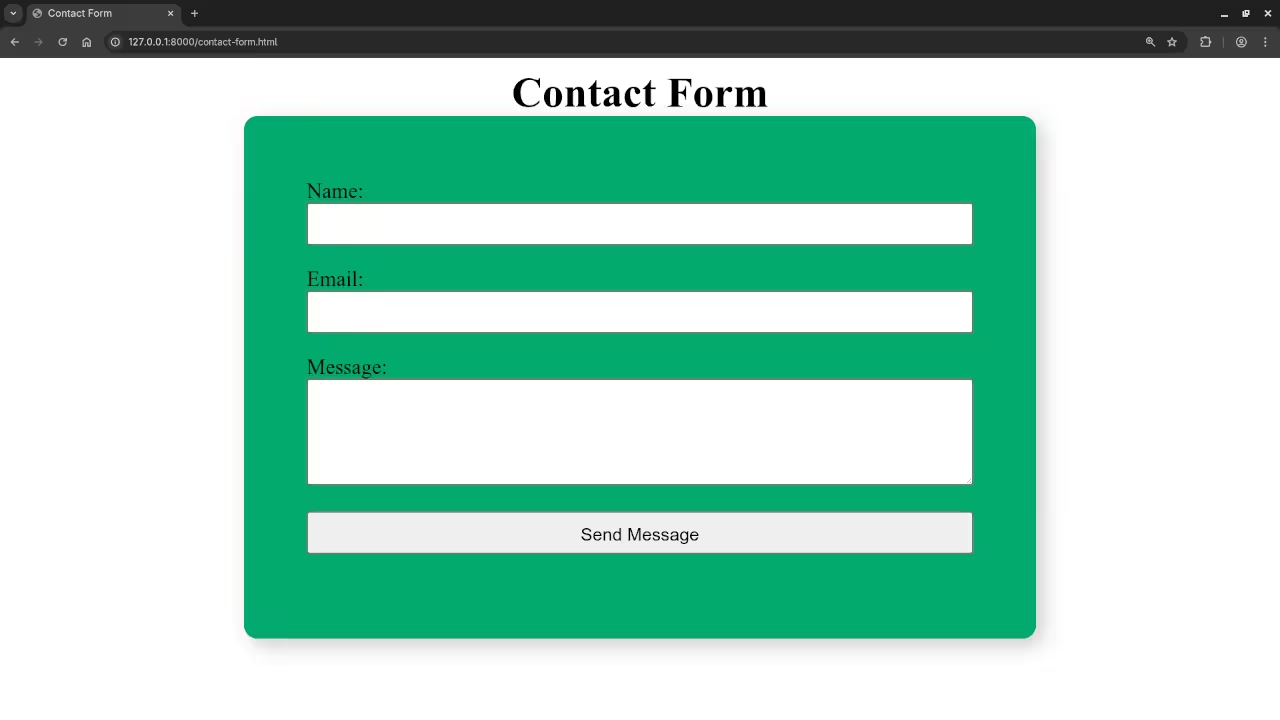
Step 1: Create the HTML Form
<form action="contact.php" method="POST">
<label for="name">Name:</label>
<input type="text" name="name" required>
<label for="email">Email:</label>
<input type="email" name="email" required>
<label for="message">Message:</label>
<textarea name="message" required></textarea>
<button type="submit">Send Message</button>
</form>
Step 2: Handle the Form with PHP 8.4
<?php
declare(strict_types=1);
// Step 1: Collect input using an associative array
$userInput = [
'name' => trim($_POST['name'] ?? ''),
'email' => trim($_POST['email'] ?? ''),
'message' => trim($_POST['message'] ?? ''),
];
// Step 2: Define a function to sanitize input
function sanitizeInput(string $value): string {
return htmlspecialchars($value, ENT_QUOTES, 'UTF-8');
}
// Step 3: Sanitize the input
foreach ($userInput as $key => $value) {
$userInput[$key] = sanitizeInput($value);
}
// Step 4: Validate the input using a separate function
function validateInput(array $input): array {
$errors = [];
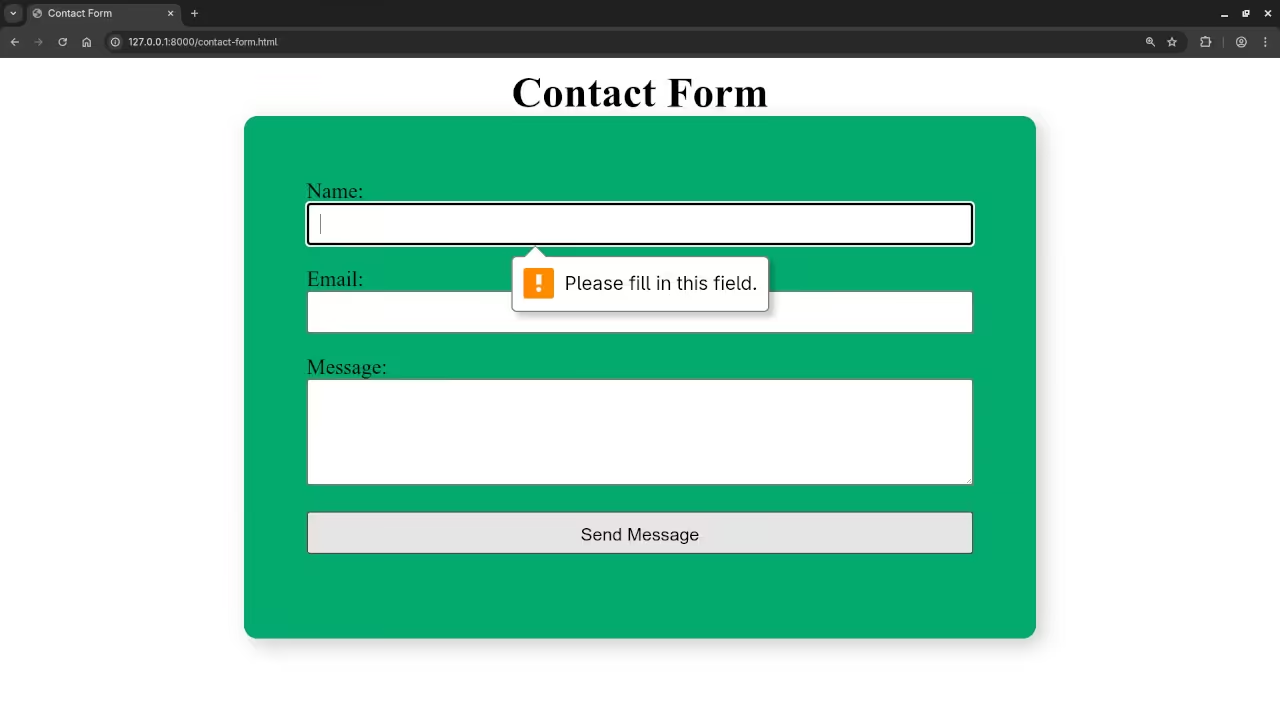
if (empty($input['name'])) {
$errors[] = "Name is required.";
}
if (!filter_var($input['email'], FILTER_VALIDATE_EMAIL)) {
$errors[] = "A valid email is required.";
}
if (empty($input['message'])) {
$errors[] = "Message cannot be empty.";
}
return $errors;
}
// Step 5: Use conditional logic to act on validation
$errors = validateInput($userInput);
if (!empty($errors)) {
// Output errors using indexed array
echo "<ul>";
foreach ($errors as $error) {
echo "<li>$error</li>";
}
echo "</ul>";
exit;
}
// Step 6: Prepare the email
$to = "admin@example.com"; // Replace with your email
$subject = "New Contact Form Submission";
$headers = [
"From: {$userInput['email']}",
"Reply-To: {$userInput['email']}",
"Content-Type: text/plain; charset=UTF-8"
];
// Step 7: Use heredoc syntax for cleaner body formatting
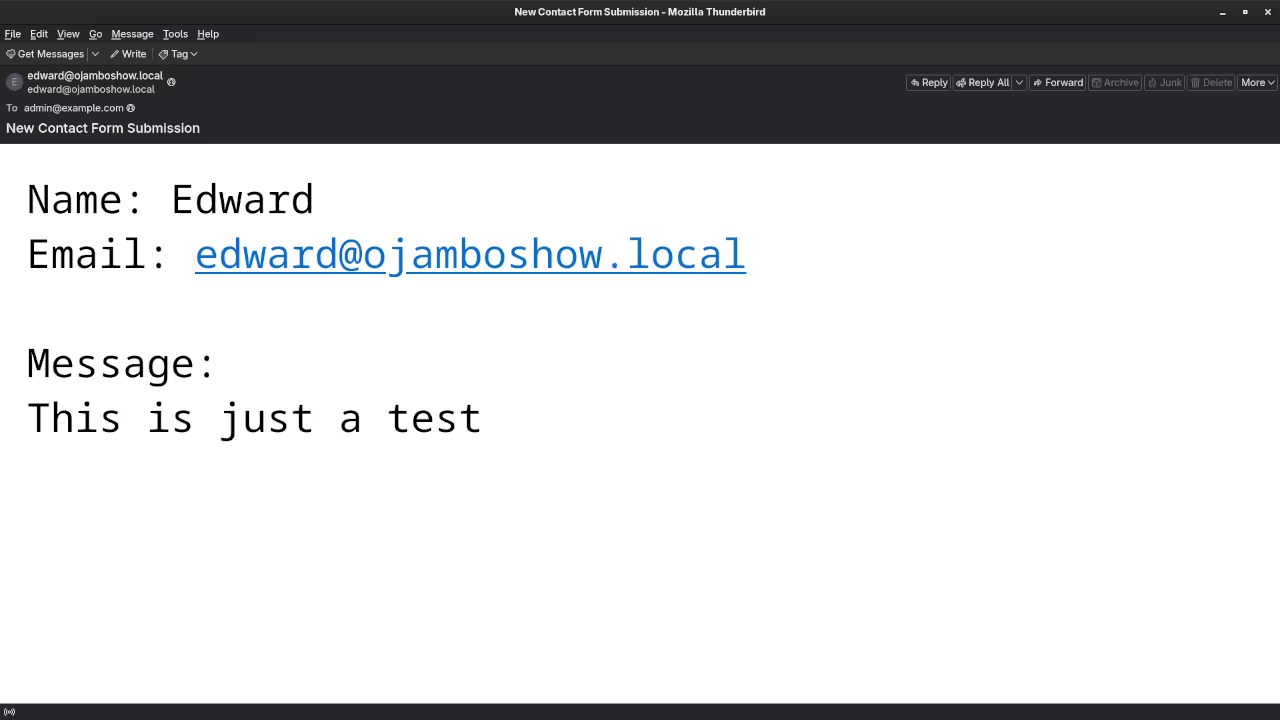
$body = <<<EOT
Name: {$userInput['name']}
Email: {$userInput['email']}
Message:
{$userInput['message']}
EOT;
// Step 8: Send the email and use conditional logic for result
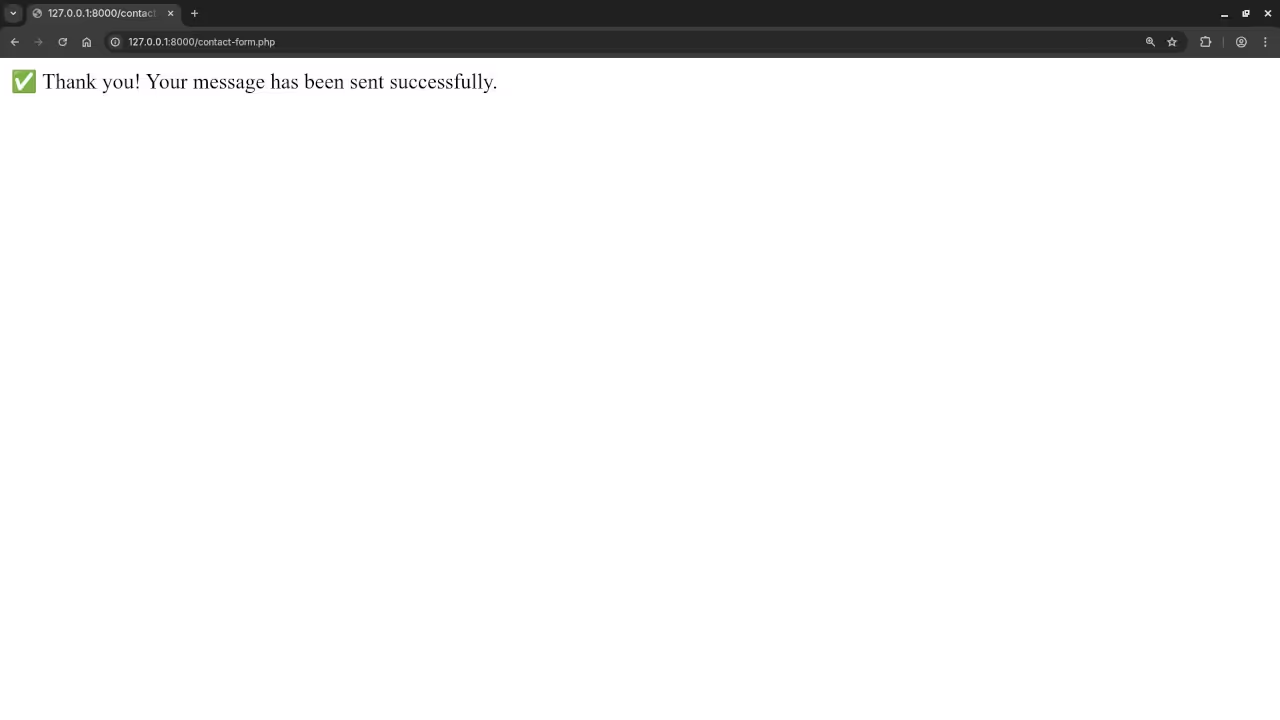
if (mail($to, $subject, $body, implode("\r\n", $headers))) {
echo "<p>✅ Thank you! Your message has been sent successfully.</p>";
} else {
echo "<p>❌ Sorry, something went wrong. Please try again later.</p>";
}
?>
PHP Concepts Covered
Here is what we used and why:
Variables
Used to store user inputs.
$name = $_POST['name'] ?? ''; Arrays
Used to organize form inputs and error messages.
$userInput = ['name' => 'John', 'email' => 'john@example.com']; Functions
Defined for sanitization and validation to make code reusable.
function validateInput(array $input): array { ... } Conditional Logic
Used for checking valid input and sending emails.
if (!filter_var($email, FILTER_VALIDATE_EMAIL)) { ... } PHP 8.4 Features
- Strict typing
- Short null coalescing syntax
- Heredoc for multiline strings
- Improved error handling and performance
Screenshots And Screencast
Continue Learning with My Book and Course
Book: Learning PHP
This book takes you from beginner to confident PHP developer, with hands-on examples, code challenges, and real-world applications.
Course: Learning PHP
A complete video course that walks you through practical PHP development, step by step.
Need Help with PHP?
I offer the following services:
- One-on-one PHP programming tutorials
- Upgrading older PHP apps to PHP 8+
- Migrating or fixing PHP applications
Click here to contact me for inquiries or custom support.
Conclusion
You now understand the basics of PHP using variables, arrays, functions, and conditional logic. With a working contact form in PHP 8.4, you are ready to start building more powerful applications.
For deeper learning, check out my book, my course, or contact me for personal support.
🚀 Recommended Resources
Disclosure: Some of the links above are referral links. I may earn a commission if you make a purchase at no extra cost to you.