
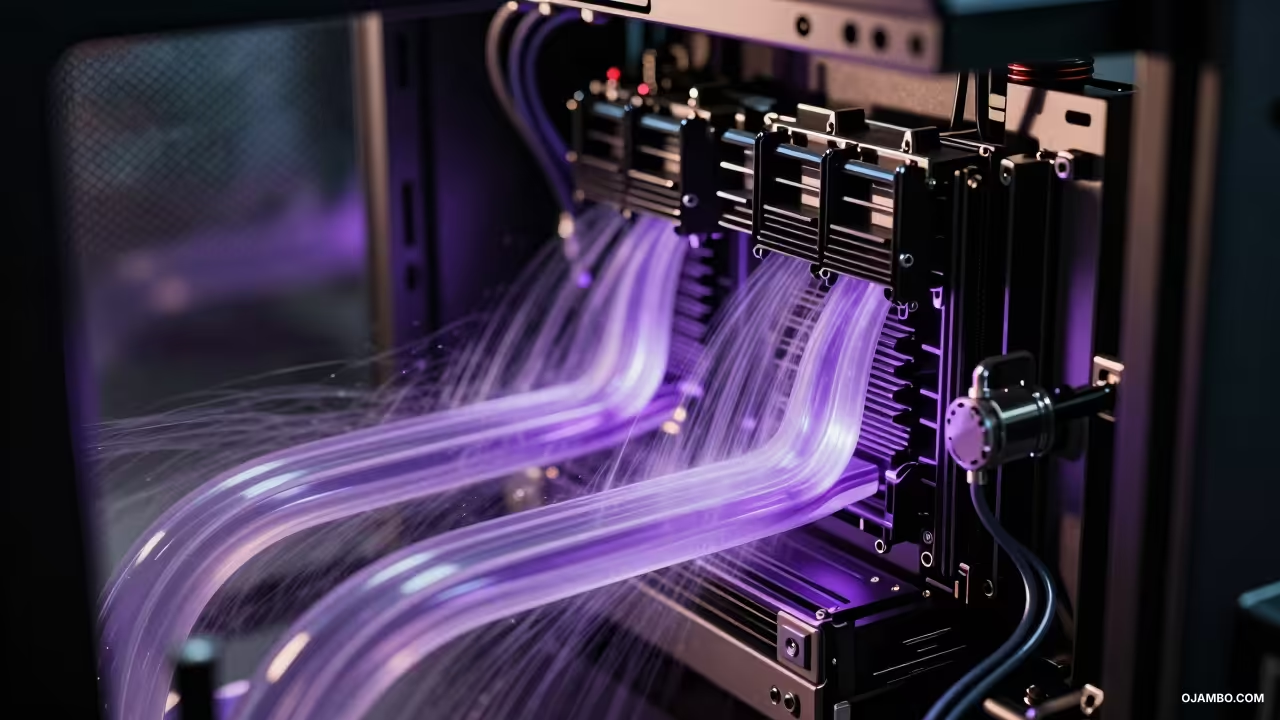
The Sovereign Adobe Creative Cloud Exit Strategy provides a comprehensive framework for digital agencies and creative professionals to transition from recurring subscription models to high-performance, locally owned infrastructure. By leveraging 2026-standard hardware and open-source software parity, organizations can eliminate perpetual licensing costs while gaining absolute data sovereignty and significant tax advantages. This blueprint outlines the technical migration from the Adobe ecosystem to a consolidated, professional-grade workstation environment optimized for the current fiscal year.
Sovereign Adobe Creative Cloud Exit Strategy Quick-Reference Blueprint
Essential data for your 2026 technical audit and IRS/CRA filing.
- ✓ Primary Tax Code: IRS Section 179 / CRA Class 50
- ✓ Deployment Time: 72 – 96 Hours
- ✓ Projected Annual ROI: $3,200 – $5,400 Per Seat
Quick Specs
Hardware Requirements: NVIDIA RTX 5090 (Blackwell), AMD Threadripper 7980X, 256GB DDR5 ECC RAM.
Software Stack: DaVinci Resolve Studio 19, Affinity V3 Suite, Blender 4.4, Inkscape 1.5, Darktable 5.0.
Estimated Setup Cost: $8,500 – $12,500 USD per seat. Difficulty Level: Advanced (Requires systems administration and hardware integration expertise).
Architecture and Requirements
The transition to a self-hosted creative suite in 2026 requires hardware that exceeds the performance of Adobe’s Mercury Playback Engine and cloud-based AI rendering. We specify the NVIDIA RTX 5090 with 32GB of VRAM as the baseline GPU to handle local generative AI workloads and 8K RED RAW video timelines without proxy reliance. The CPU architecture must utilize the AMD Threadripper 7980X (64-core) to maintain high-throughput multi-threaded performance for 3D simulation and batch image processing.
For memory, 256GB of DDR5-6400 ECC RAM is mandatory to ensure system stability during long-form video exports and complex vector rendering. Storage must be tiered, utilizing a 4TB NVMe Gen5 primary drive for the OS and active projects, paired with a 20TB enterprise-grade HDD for local cold storage. Networking dependencies include a 10GbE local area network (LAN) to facilitate rapid file transfers between the workstation and a local Network Attached Storage (NAS) unit.
The software layer replaces the Creative Cloud with a “Best-of-Breed” local stack that ensures 100% file compatibility and professional-grade output. DaVinci Resolve Studio 19 serves as the primary non-linear editor and color grading solution, offering superior GPU acceleration compared to Premiere Pro. The Affinity V3 Suite (Photo, Designer, Publisher) provides a perpetual license alternative to Photoshop and InDesign, maintaining support for PSD and PDF/X-4 standards.
Workstation Backbone: NVIDIA Blackwell architecture ensures local tensor core dominance for AI upscaling and denoise functions without cloud latency.
Storage Redundancy: Tiered NVMe and Enterprise HDD arrays provide a localized fail-safe that eliminates reliance on Adobe Cloud Sync services.
Architect’s Note: System redundancy is achieved through a 2000VA True Online Double-Conversion Uninterruptible Power Supply (UPS) to protect the Blackwell architecture from voltage fluctuations. In the 2026 tax landscape, this hardware configuration qualifies for immediate expensing under IRS Section 179, provided the equipment is placed in service before December 31st of the current fiscal year.
Step-by-Step Implementation
Phase 1: Procurement and Hardware Validation
Verify that all components, specifically the RTX 50-series GPUs, are sourced from authorized distributors to ensure warranty compliance for business audits. Perform a 24-hour stress test using MemTest86 and Cinebench 2026 to identify any silicon defects before deploying into production.
Phase 2: Operating System Hardening
Install a clean version of Windows 11 Pro for Workstations or a stable Linux distribution like Fedora Workstation 43. Disable all non-essential telemetry and background update services that compete for system interrupts during high-intensity rendering tasks.
Phase 3: Color Pipeline Calibration
Connect professional-grade monitors via DisplayPort 2.1 and utilize a hardware colorimeter to generate ICC profiles for the 2026 standard Rec.2020 color space. Ensure that DaVinci Resolve and Affinity V3 are configured to utilize these profiles for cross-application color consistency.
Phase 4: Software Stack Deployment
Install the perpetual license versions of the creative suite, ensuring all plugins are migrated to their VST3 or OpenFX equivalents. Map all application cache folders to the dedicated NVMe scratch disk to prevent OS drive fragmentation and performance degradation.
Phase 5: Legacy Asset Migration
Systematically export all Adobe-proprietary files into open formats, converting .psd to .afphoto and .ai to .svg or .eps. Utilize batch processing scripts to move high-volume assets from Adobe Creative Cloud Storage to the localized NAS environment.
Phase 6: AI Integration and Local Models
Deploy local LLMs and diffusion models using Stable Diffusion XL or similar frameworks to replace Adobe Firefly features. This ensures that all generative tasks are processed locally on the RTX 5090 without incurring per-image credit costs or data leaks.
Phase 7: Network and NAS Synchronization
Configure a 10GbE point-to-point connection between the workstation and the backup server for real-time file mirroring. Implement a 3-2-1 backup strategy involving local RAID 6 storage, a secondary on-site physical drive, and an encrypted off-site “cold” backup.
Phase 8: Security and Firewall Configuration
Set up a hardware firewall to block all outbound traffic from creative applications to prevent unauthorized license checks or data harvesting. Conduct a final security audit to ensure that the local creative environment is fully air-gapped from the public internet where possible.
2026 Tax and Compliance
Under the 2026 IRS guidelines, the Sovereign Exit Strategy qualifies for significant immediate tax relief through Section 179. This code allows businesses to deduct the full purchase price of qualifying hardware and software, up to a limit of $1,220,000, in the year it is purchased. This is particularly advantageous for agencies looking to convert a monthly operating expense into a capitalized asset that reduces their total taxable income for the fiscal year.
For Canadian-based entities, the hardware falls under CRA Class 50, which provides a 55% Capital Cost Allowance (CCA) rate for computer equipment. Furthermore, the 2026 Accelerated Investment Incentive remains applicable, allowing for an enhanced first-year deduction that effectively triples the standard CCA claim for the year of acquisition. This significantly offsets the initial capital expenditure required to exit the Adobe subscription model compared to the non-capitalized nature of monthly SaaS fees.
Additionally, the transition to local storage assists in compliance with evolving data privacy regulations such as the GDPR and CCPA. By maintaining creative assets on-site, firms can guarantee to clients that their intellectual property never touches a third-party server. This level of data sovereignty is becoming a mandatory requirement for high-security contracts in the defense, medical, and legal sectors during the 2026-2027 period.
Request a Principal Architect Audit
Implementing Sovereign Adobe Creative Cloud Exit Strategy at this level of technical and fiscal precision requires specialized oversight. I am available for direct consultation to manage your NVIDIA RTX 5090 deployment, system optimization, and 2026 compliance mapping for your agency.
Availability: Limited Q2/Q3 2026 Slots for ojambo.com partners.
Maintenance and Scaling
Maintaining a sovereign creative infrastructure requires a disciplined approach to hardware updates and software patching. We recommend a bi-annual deep clean of the workstation interiors to prevent thermal throttling of the RTX 50-series cards, which are sensitive to heat buildup. Software patches should be tested on a secondary “staged” machine before being rolled out to the primary production environment to ensure plugin compatibility remains intact.
Scaling the infrastructure is achieved by adding additional 10GbE nodes to the existing NAS architecture, allowing for a multi-editor environment without increasing subscription overhead. As AI models evolve, the modular nature of the workstation allows for a GPU-only upgrade cycle every 24 months, ensuring the studio remains at the cutting edge of generative performance. This “buy-once, upgrade-locally” philosophy ensures long-term financial stability and technical independence from SaaS providers.
Sovereign Adobe Creative Cloud Exit Strategy Quick-Reference Blueprint
Essential data for your 2026 technical audit and IRS/CRA filing.
- ✓ Primary Tax Code: IRS Section 179 / CRA Class 50
- ✓ Deployment Time: 72 – 96 Hours
- ✓ Projected Annual ROI: $3,200 – $5,400 Per Seat
🚀 Recommended Resources
Disclosure: Some of the links above are referral links. I may earn a commission if you make a purchase at no extra cost to you.