
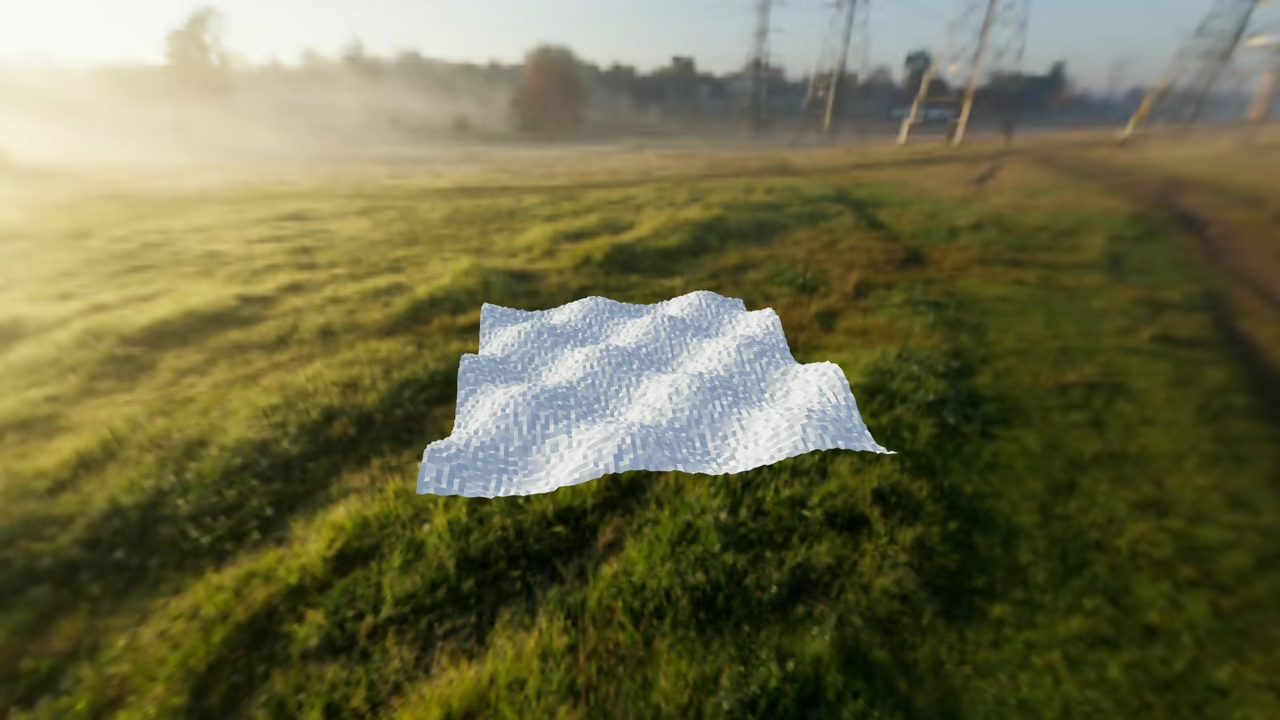
Procedural Landscapes with Python in Blender: Infinite World Generation Tutorial
Creating vast digital worlds does not require manual sculpting. You can generate infinite procedural landscapes using Blender’s Python API. This method allows you to build unique terrains algorithmically.
Procedural generation uses math to create complex geometry. This script will automate the creation of a terrain mesh. It then applies a noise-based displacement to create mountains.
The Procedural Blender Script
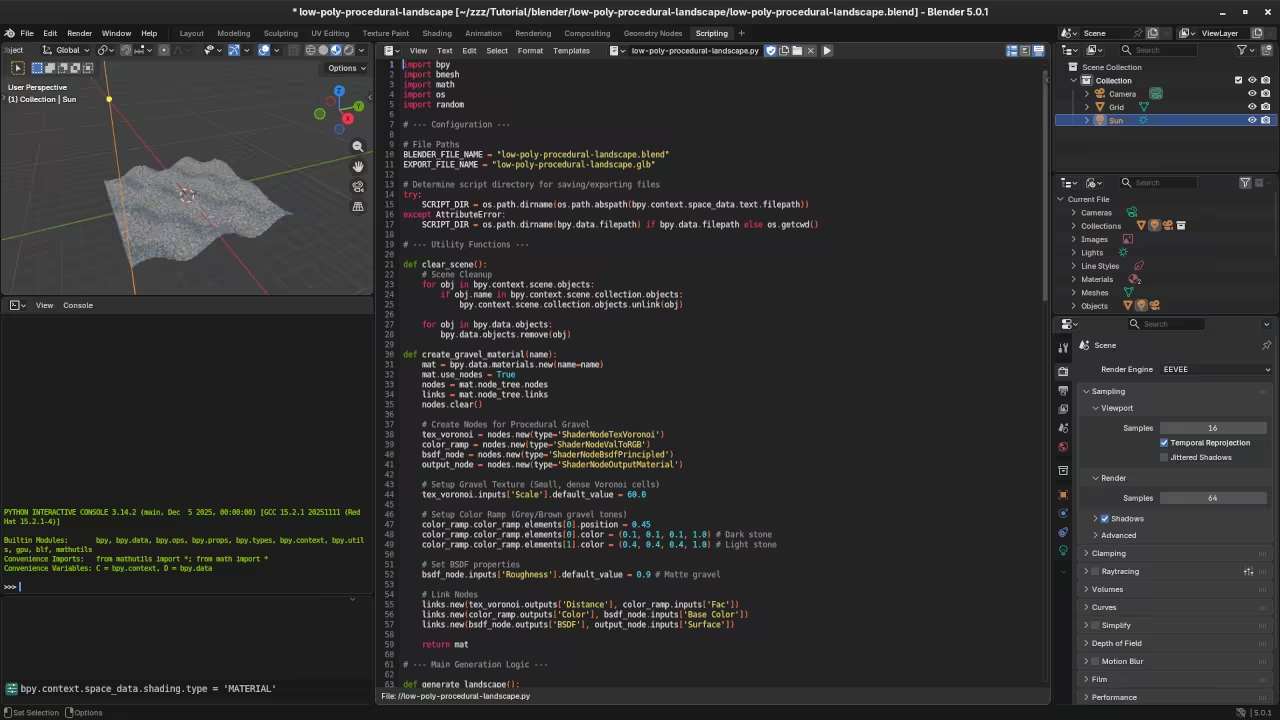
Open the Scripting tab in Blender. Create a new text file and paste this code. This script creates a high-resolution grid and manipulates its height.
import bpy
import bmesh
import random
import math
# Clear existing objects in the scene
bpy.ops.object.select_all(action='SELECT')
bpy.ops.object.delete()
# Create a high-resolution grid for the landscape
size = 10
subdiv = 100
bpy.ops.mesh.primitive_grid_add(size=size, x_subdivisions=subdiv, y_subdivisions=subdiv)
obj = bpy.context.active_object
# Access mesh data to manipulate vertices
mesh = obj.data
bm = bmesh.new()
bm.from_mesh(mesh)
# Apply simple procedural noise for mountains
for vert in bm.verts:
# Use math functions to create organic waves
noise = math.sin(vert.co.x * 1.5) * math.cos(vert.co.y * 1.5)
vert.co.z = (noise * 2.0) + (random.uniform(0, 0.3))
# Update mesh and cleanup
bm.to_mesh(mesh)
bm.free()
mesh.update()
# Automatic Export to glTF for Web
export_path = "C:/path/to/your/project/landscape.glb"
bpy.ops.export_scene.gltf(filepath=export_path, export_format='GLB')
Viewing Your World in HTML5
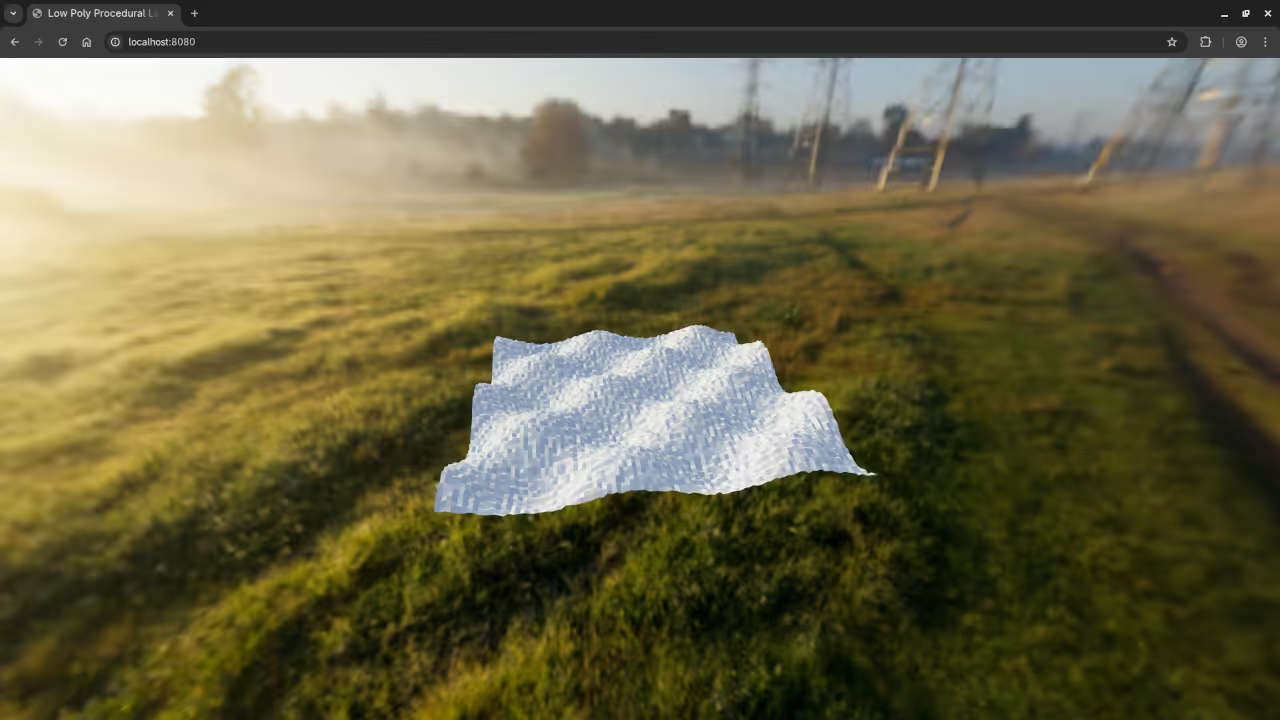
Export your generated landscape as a glTF file. You can then view it in any browser using HTML5. Use the following code to load your landscape with Three.js.
<script type="module">
import * as THREE from 'https://unpkg.com/three@0.160.0/build/three.module.js';
import { GLTFLoader } from 'https://unpkg.com/three@0.160.0/examples/jsm/loaders/GLTFLoader.js';
const scene = new THREE.Scene();
const camera = new THREE.PerspectiveCamera(75, window.innerWidth / window.innerHeight, 0.1, 1000);
const renderer = new THREE.WebGLRenderer({ antialias: true });
renderer.setSize(window.innerWidth, window.innerHeight);
document.body.appendChild(renderer.domElement);
const loader = new GLTFLoader();
loader.load('landscape.glb', (gltf) => {
scene.add(gltf.scene);
});
const light = new THREE.DirectionalLight(0xffffff, 2);
light.position.set(2, 5, 5);
scene.add(light);
scene.add(new THREE.AmbientLight(0x404040));
camera.position.set(0, 5, 10);
camera.lookAt(0, 0, 0);
function animate() {
requestAnimationFrame(animate);
renderer.render(scene, camera);
}
animate();
</script>
Using Python scripts makes world-building fast. You can tweak parameters to generate entirely new terrains. This workflow is perfect for developers building 3D web games.
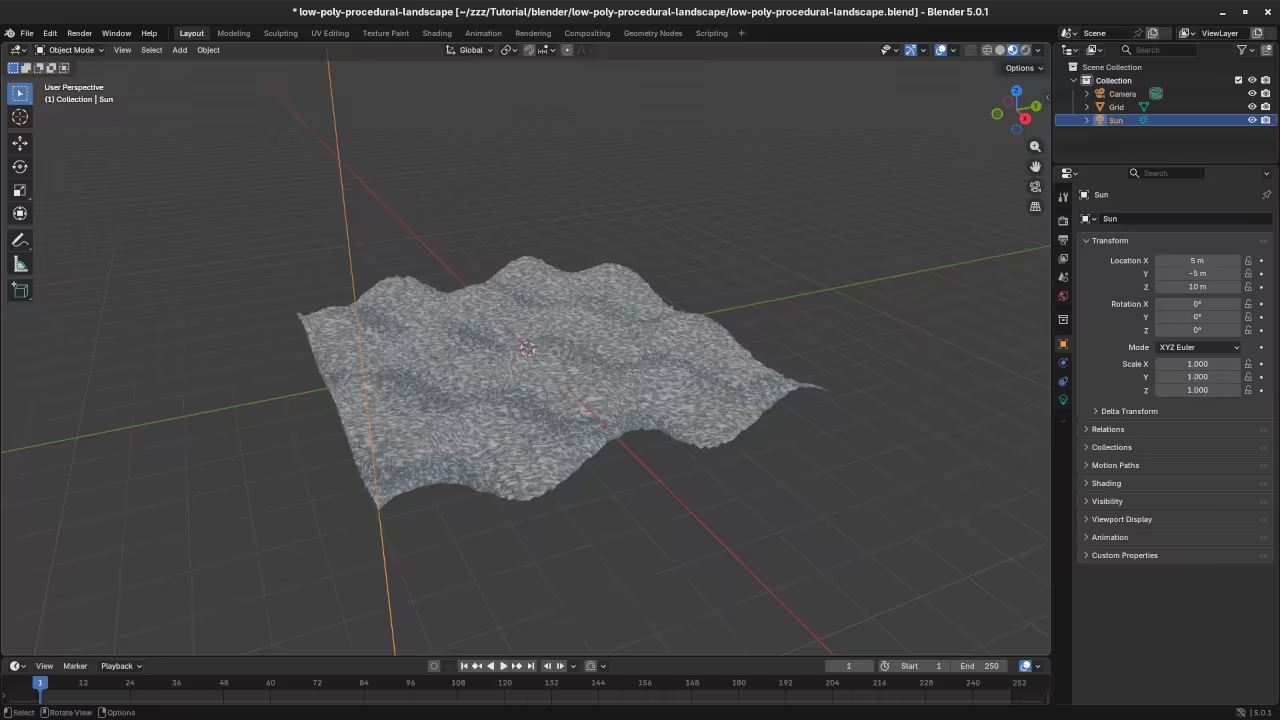
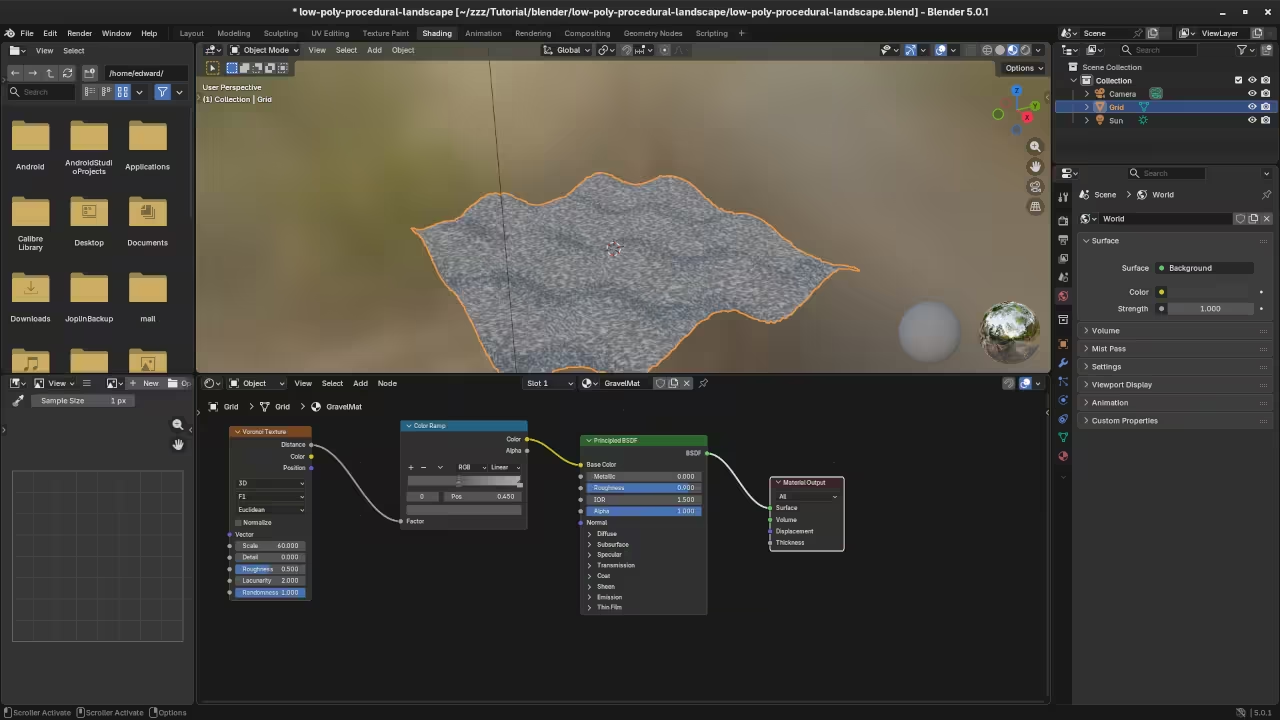
📸 Screenshots & Screencast
Take Your Skills Further
- Books: https://www.amazon.com/stores/Edward-Ojambo/author/B0D94QM76N
- Courses: https://ojamboshop.com/product-category/course
- Tutorials: https://ojambo.com/contact
- Consultations: https://ojamboservices.com/contact
🚀 Recommended Resources
Disclosure: Some of the links above are referral links. I may earn a commission if you make a purchase at no extra cost to you.