
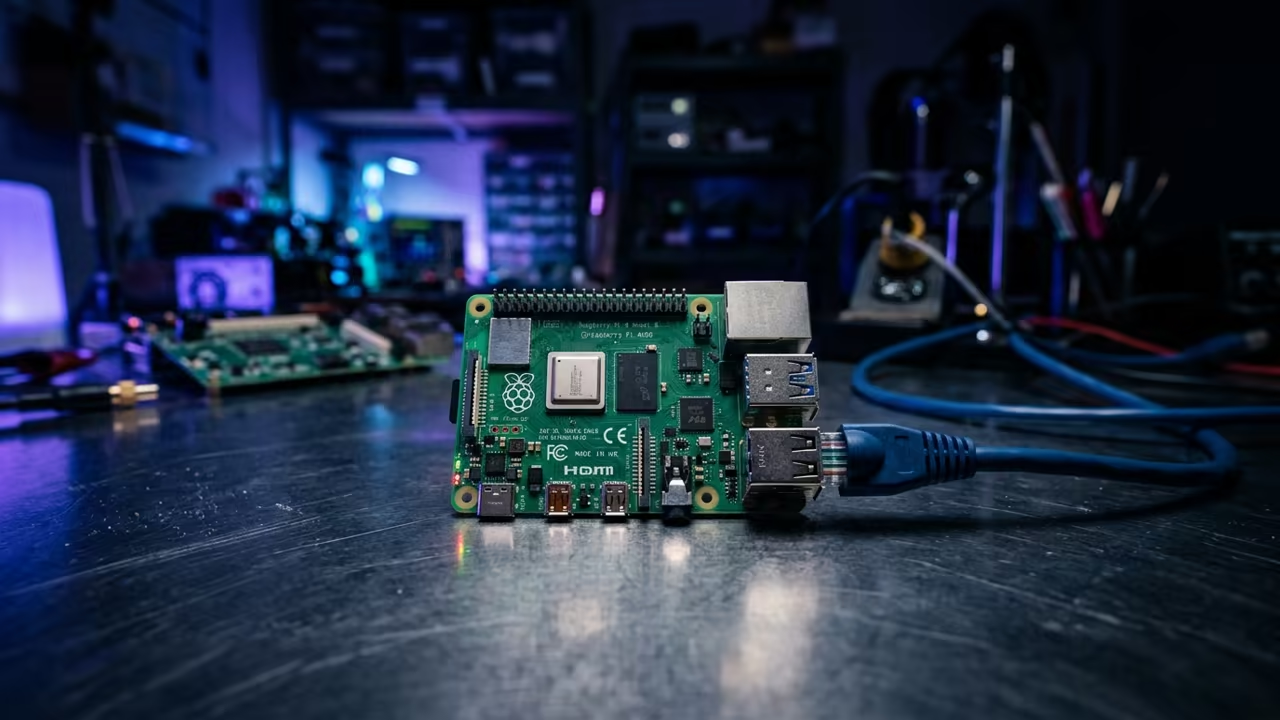
The Bottleneck of Low Power Self Hosting
Most low power self hosting enthusiasts hit a wall when trying to manage files on a Raspberry Pi Zero W. The tiny 512MB of RAM turns most modern file managers into system freezing nightmares.
One wrong click in a heavy GUI can lead to a total VNC lockup. This is a critical failure for any remote management system.
Disclaimer: I may earn a commission from purchases made through these links at no extra cost to you.


The Openbox and PCManFM Qt Solution
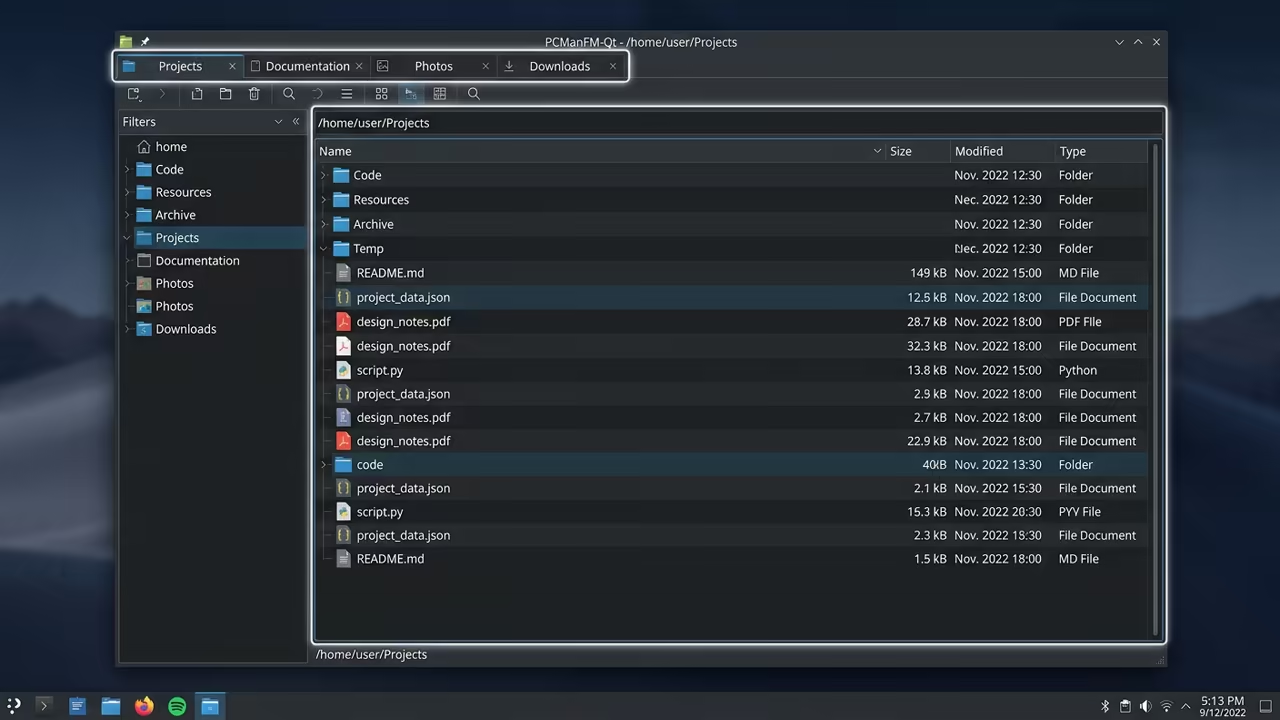
This is where the combination of PCManFM Qt and Openbox creates a professional grade solution. You get a full graphical experience without the overhead of a complete desktop environment.
It transforms a budget board into a snappy network file hub. This setup minimizes resource consumption while maintaining full utility.
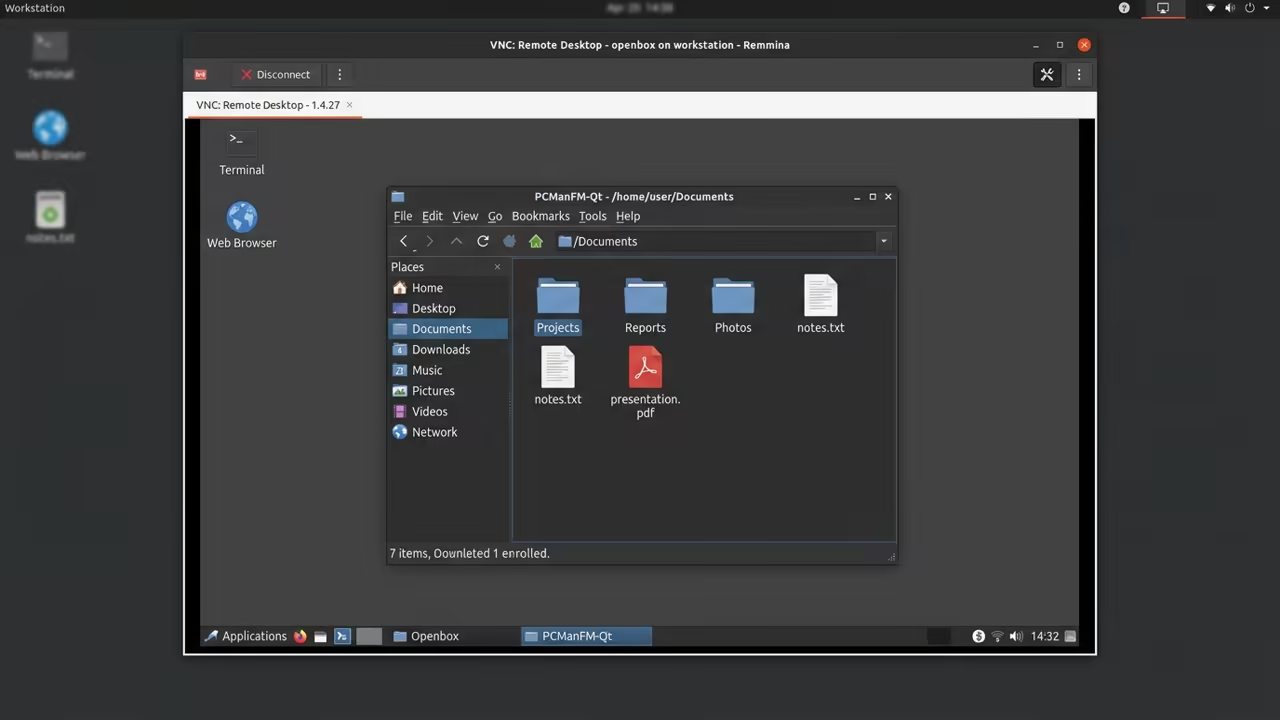
Implementing the Remote Architecture
Implementing this setup feels like unlocking a hidden gear in the hardware. The windows snap open instantly and the tabbed browsing remains fluid across the network.
It is a satisfying realization that hardware constraints are just optimization opportunities. Efficiency becomes the primary goal.
The VNC and Remmina Connection
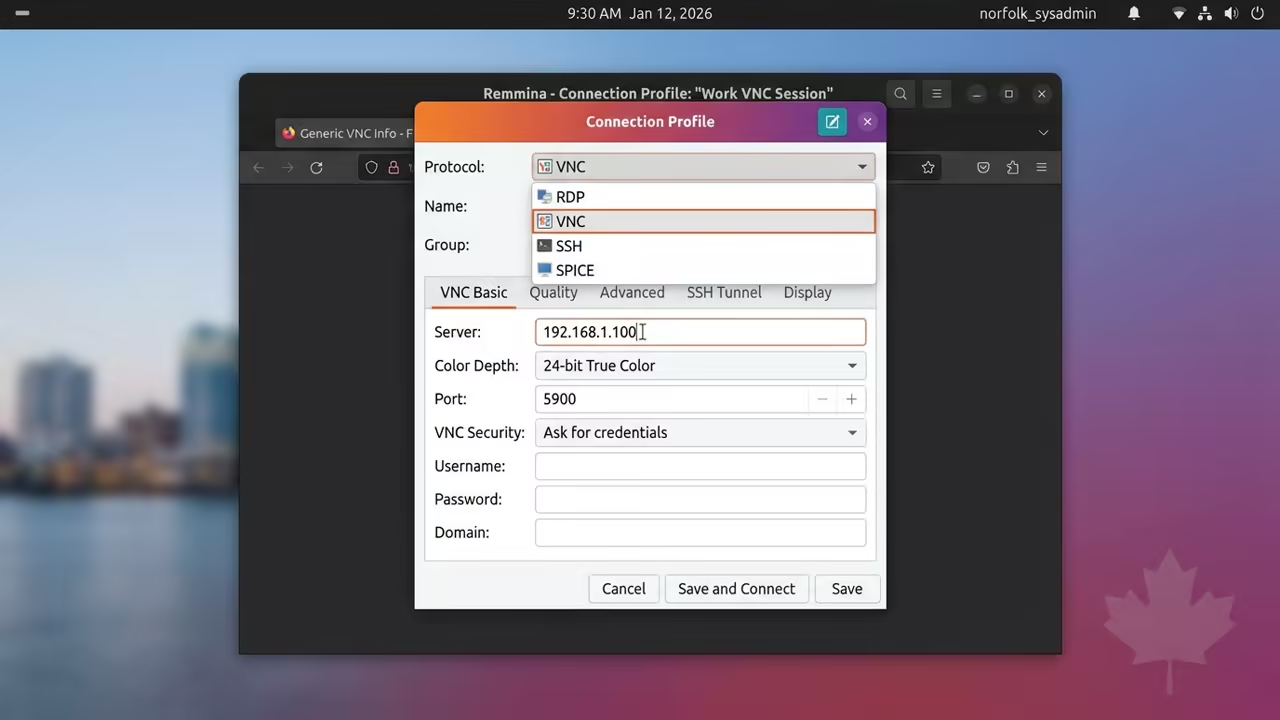
The foundation of this build relies on TightVNC for remote access. Using Remmina on a workstation allows for a stable and high performance client connection.
This architecture removes the need for a physical monitor or keyboard on the Pi. It simplifies the physical deployment of the device.
Step by Step Deployment
Start by updating the system and installing the essential lightweight components. Use the following commands to bring the environment online.
sudo apt update && sudo apt upgrade -y
sudo apt install openbox tightvncserver pcmanfm-qt -y
Configuring the Window Manager
Next you must configure the VNC server to launch the Openbox window manager. Edit the xstartup file to ensure the session starts correctly.
vncserver -kill :1
nano ~/.vnc/xstartup
# Add the following line to the end of the file
exec openbox-session
Restart the VNC server to apply these critical changes. This ensures the graphical shell loads upon every connection.
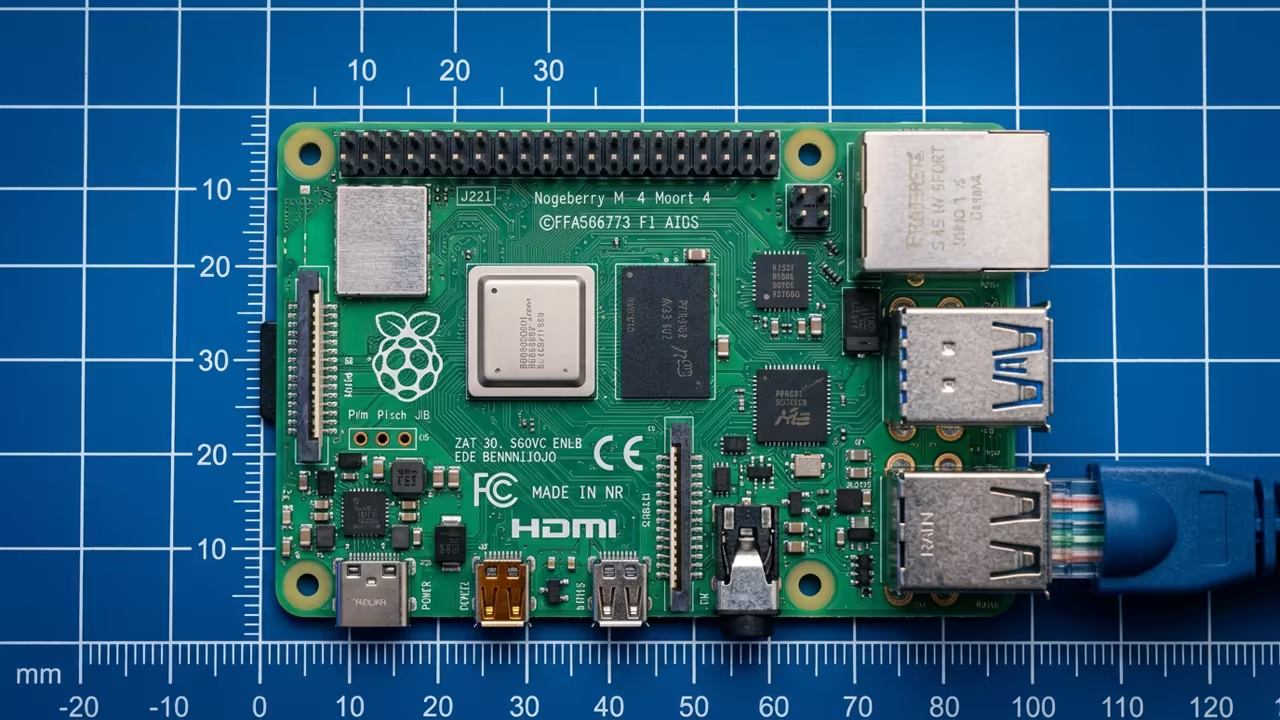
The Insider Secret for Pi Zero W
Now you can launch PCManFM Qt from the Openbox menu or a terminal. To ensure maximum stability on the Pi Zero W you must apply one specific insider secret.
Disable the desktop management feature within the PCManFM Qt settings. This is a vital step for low memory devices.
This prevents the application from trying to draw icons on the root window. It saves precious CPU cycles and reduces the VRAM load on the GPU.
You will notice a significant jump in responsiveness when navigating large directories. The system remains lean and fast.
Fine Tuning the Display Buffer
Optimization also requires adjusting the VNC resolution to 800×600. Lowering the pixel count reduces the frame buffer size in memory.
This prevents the system from swapping to disk during fast folder transitions. It maintains a consistent frame rate during remote sessions.
Performance Benchmarking
Compare the efficiency of this setup against other common Linux file managers below. The difference in memory footprint is substantial.
| Parameter | Description | Value |
|---|---|---|
| PCManFM Qt | RAM Usage | Very Low |
| Nemo | RAM Usage | Medium |
| Dolphin | RAM Usage | High |
| PCManFM Qt | Pi Zero W Stability | High |
| Nemo | Pi Zero W Stability | Moderate |
| Dolphin | Pi Zero W Stability | Very Low |
| Parameter | Description | Value |
Integrating the Professional Stack
Integrating this workflow allows you to manage backups and configuration files with ease. It connects perfectly to previous deep dives into headless server optimization.
This architectural breakthrough proves that minimal stacks always win. Simplicity leads to reliability.
For the most professional results you should implement a zswap configuration. This compresses memory pages and reduces the frequency of slow disk IO.
It is the final piece of the performance puzzle for the Zero W. This ensures a smooth experience even under load.
Learning and Support
Reach out for personalized technical help to scale your self hosting infrastructure. Dive deeper into our library of high impact tutorials.
Online Tutorials & Technical Help: https://ojambo.com/contact
🚀 Recommended Resources
Disclosure: Some of the links above are referral links. I may earn a commission if you make a purchase at no extra cost to you.
Leave a Reply