

The Wireless Revolution in Home Connectivity
Stop waiting for cable technicians to drill through your walls. The struggle for high speed internet in old homes is real.
Rogers 5G Home Internet changes the game entirely. Plugging in the gateway feels like pure magic.
Disclaimer: I may earn a commission from purchases made through these links at no extra cost to you.


You see the signal bars climb instantly on the display. The speed test hits numbers you never expected from wireless.
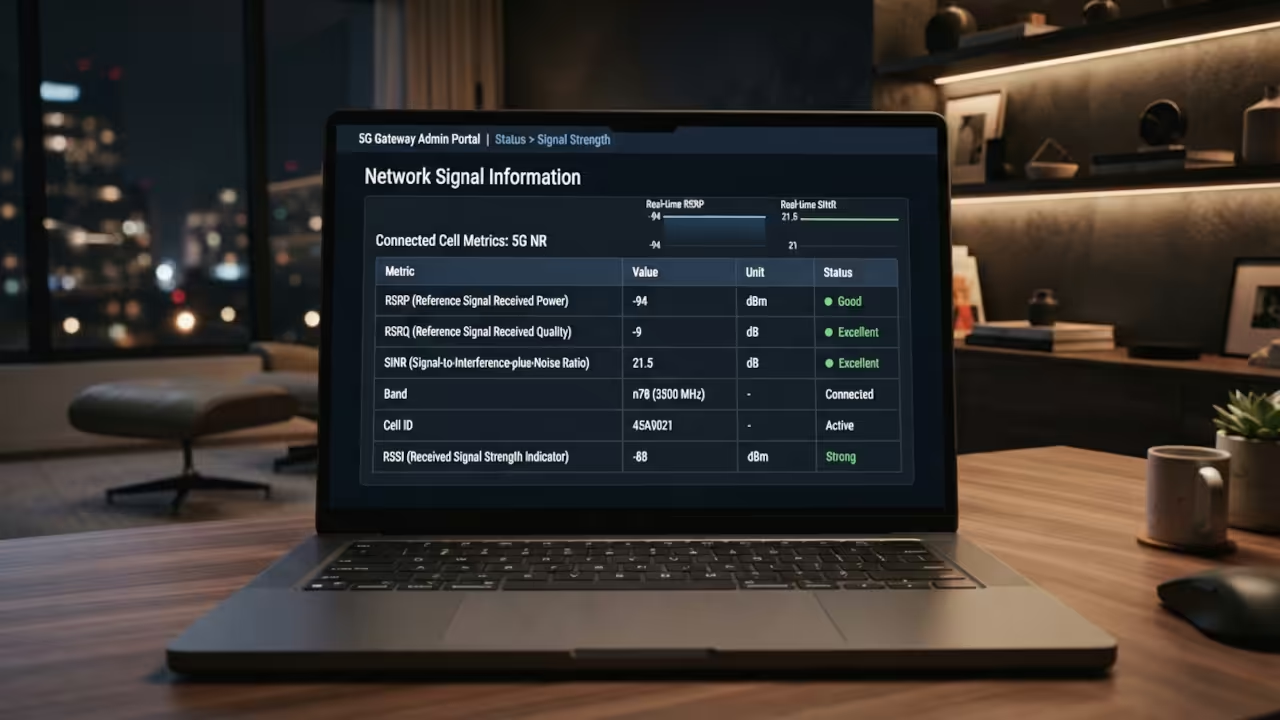
The Unboxing Experience
The unboxing process is incredibly streamlined and fast. The packaging is minimal and environmentally friendly.
The gateway itself is a sleek white monolith. It feels sturdy and fits perfectly on any shelf.
The power adapter is basic but does the job well. You get a simple guide to start the process.
Just plug the device into a standard wall outlet. The LED indicators guide you through the boot sequence.
It connects to the nearest tower without any manual config. The initial handshake takes only a few minutes.
You are online before you even finish the coffee. It is the ultimate plug and play experience.
Optimizing Your Signal Strength
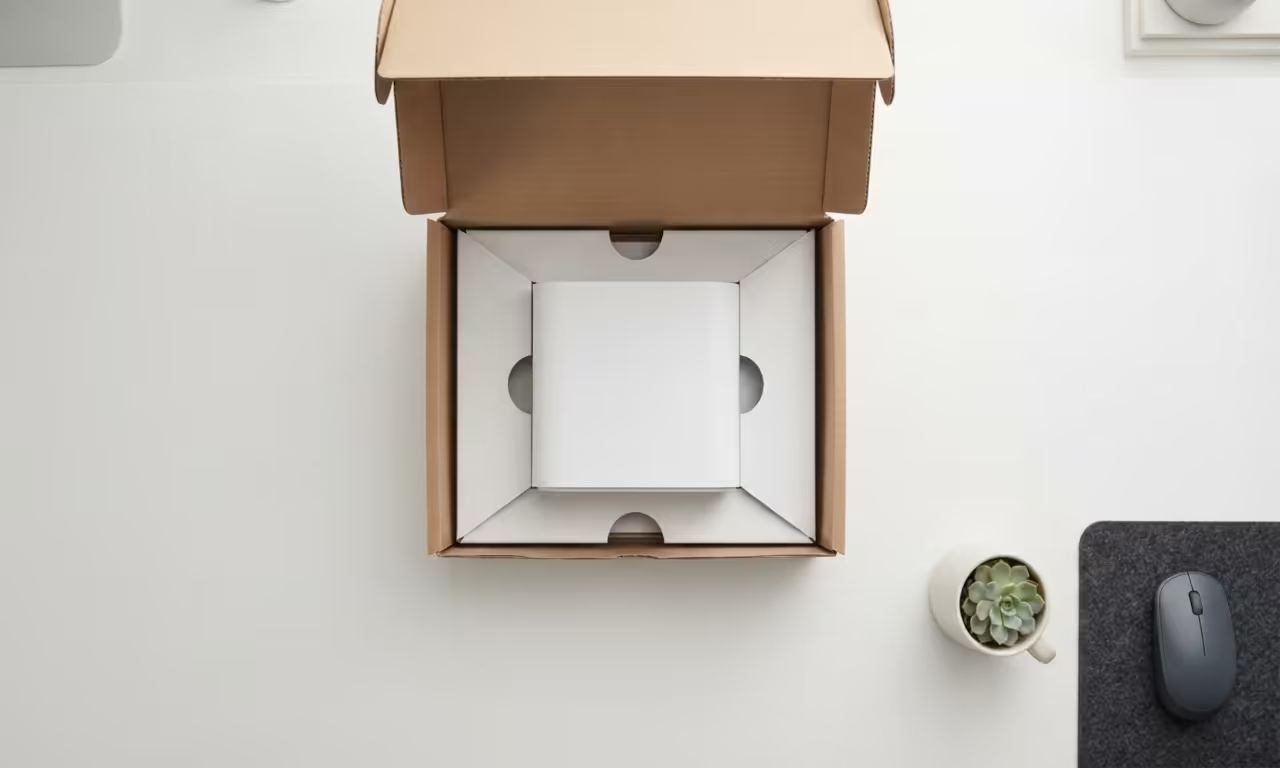
To truly maximize this hardware you must access the portal. Log into the admin panel via your local browser.
Look for the signal metrics like RSRP and SINR. Move the device until the RSRP is closer to -80 dBm.
This prevents packet loss during peak traffic hours. This is the secret to consistent gaming speeds.
Avoid placing the unit near large metal objects. Keep it away from microwaves to prevent signal interference.
Elevate the device to clear any physical obstacles. Most users leave the gateway on the floor.
This is a huge mistake for wireless performance. A high shelf near a window is ideal.
Technical Infrastructure and Performance
Rogers leverages a massive spectrum for this service. It uses sub 6GHz bands for better indoor penetration.
This allows the signal to pass through walls easily. The architecture supports high bandwidth for multiple devices.
You can stream 4K content on four screens. Everything remains stable and responsive under heavy loads.
| Parameter | Description | Value |
|---|---|---|
| Install | Setup Process | Plug and Play |
| Latency | Response Time | Medium |
| Cost | Monthly Pricing | Mid |
| Mobility | Device Portability | Portable |
This wireless setup connects naturally to other network breakthroughs. It mimics the agility of the modern mobile stack.
You can move it between rooms with ease. The raw throughput competes with mid tier fiber plans.
It removes the need for expensive monthly cable contracts. You gain freedom over your home connectivity.
Pro Level DNS Tuning
Check the DNS settings in the advanced menu. Switch to Google or Cloudflare for faster lookups.
This reduces the time to load web pages. This small change improves the overall browsing feel.
It bypasses the slower default ISP routing tables. Your network will feel much snappier instantly.
Learning and Support
- Reach out for personalized technical help to maximize your wireless speeds.
- Dive deeper into our online tutorials for advanced network optimization.
Online Tutorials and Technical Help: https://ojambo.com/contact
🚀 Recommended Resources
Disclosure: Some of the links above are referral links. I may earn a commission if you make a purchase at no extra cost to you.