

Most businesses drown in a sea of mismatched spreadsheets and expensive monthly software subscriptions. This chaotic fragmentation kills productivity and leaves your critical company data scattered across multiple third party clouds.
You need a single source of truth that you actually own and control. Dolibarr provides this unified power by combining ERP and CRM features into one open source package.
The Liberation of Data Sovereignty
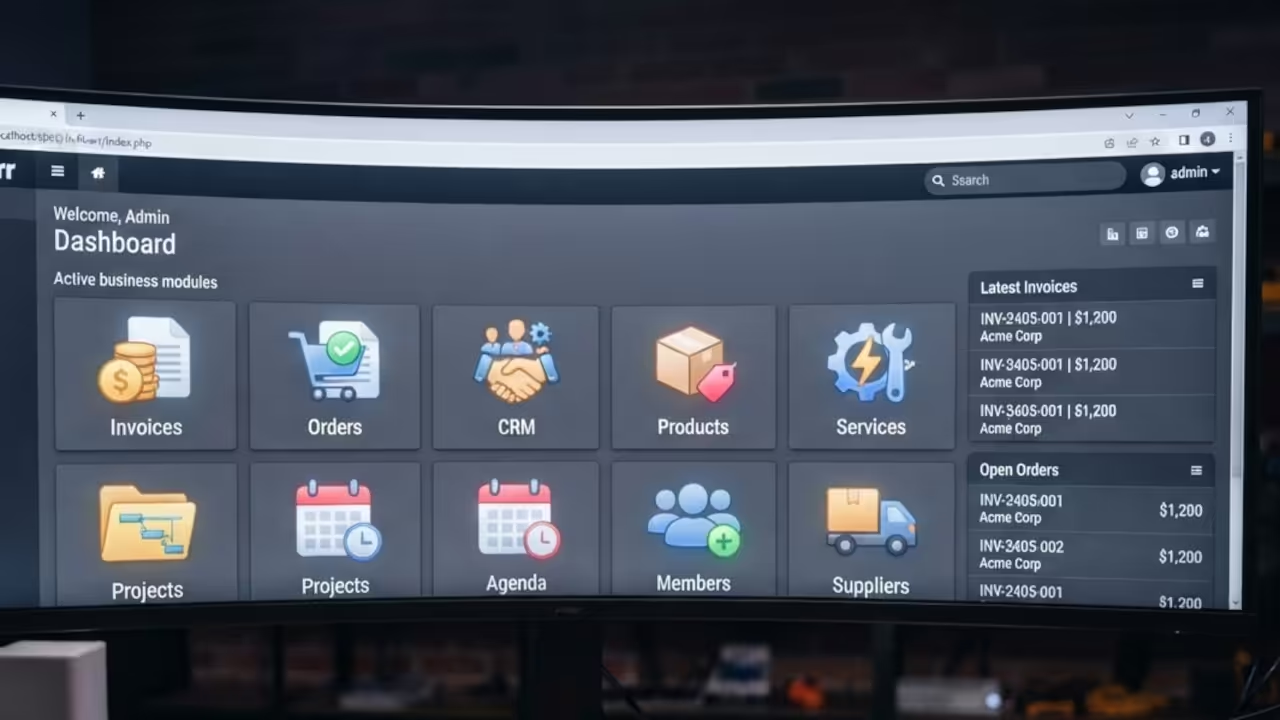
The feeling of finally seeing your entire business workflow in one dashboard is absolute liberation. You stop guessing about your inventory and start knowing exactly where every cent flows in real time.
If your current system is a legacy mess OjamboServices.com can migrate your data and modernize your stack. Visit https://ojamboservices.com/contact to rescue your business from outdated software today.
For those stuck on legacy PHP like Magento Zen Cart Joomla and Drupal a move to Dolibarr is a game changer. My team specializes in transforming these clunky systems into streamlined automated powerhouses for high growth.
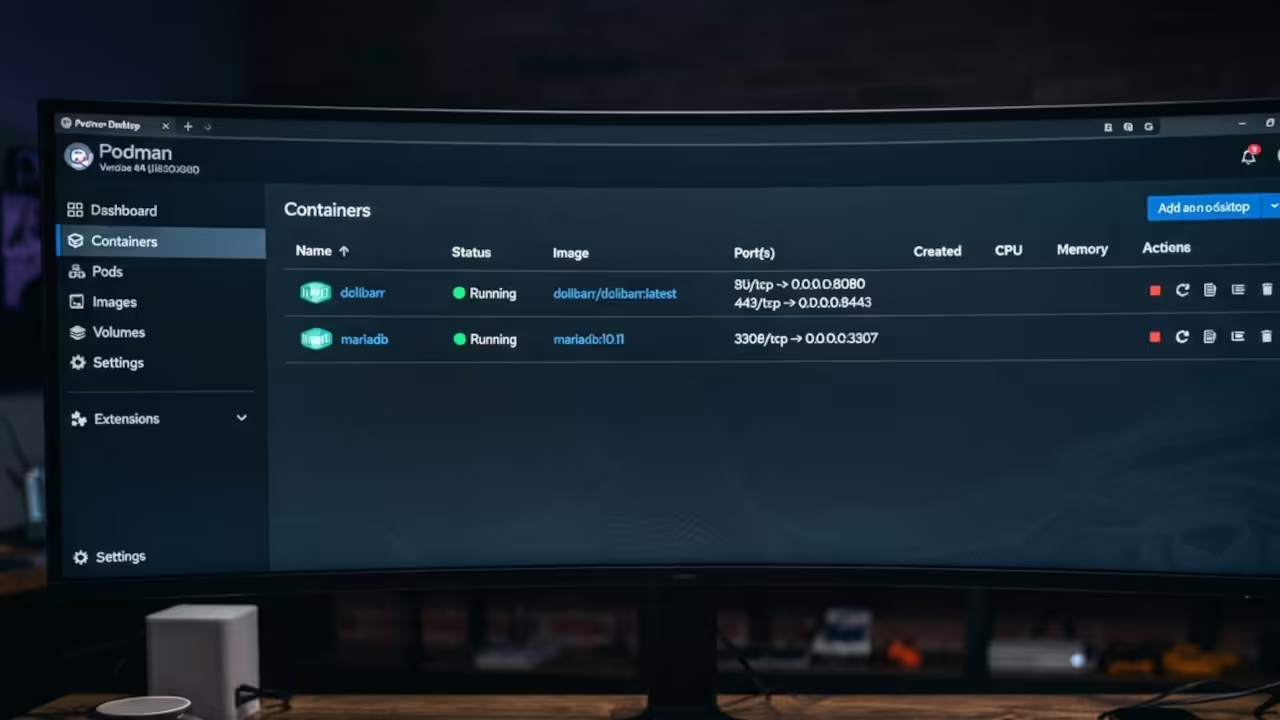
Modern Container Strategies
Setting up Dolibarr requires a solid container strategy to ensure your data remains safe. Docker is the industry standard but Podman Desktop offers a rootless experience for maximum security.
Using Podman Desktop allows you to run your business engine without granting root privileges to the container. This reduces your attack surface and keeps your host operating system clean and stable.
To deploy with Docker you simply pull the official Dolibarr image and link it to a MariaDB container. Use a docker compose file to define your environment variables and persistent volume mounts.
For Podman users the process is nearly identical but requires a focus on volume permissions. You must use the :Z flag on your volume mounts to handle SELinux relabeling automatically.
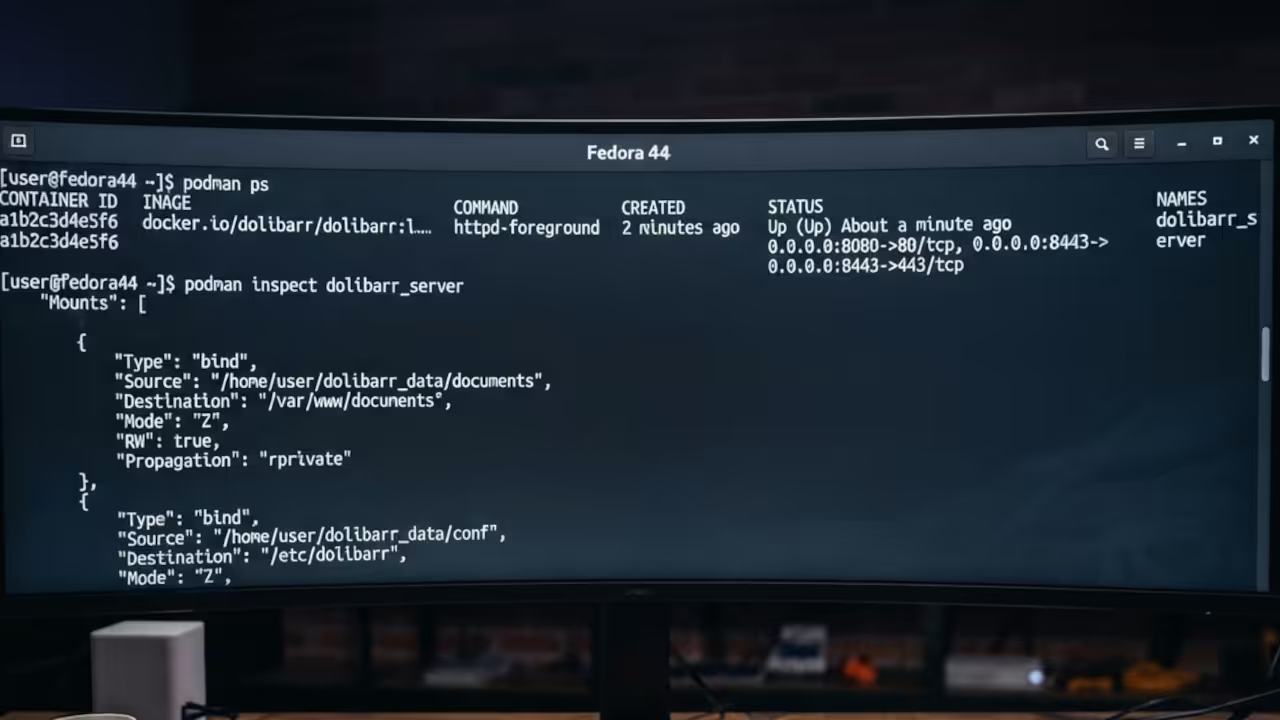
Technical Implementation
The raw code for a basic compose setup looks like this.
services:
db:
image: mariadb:10.6
volumes:
- ./db:/var/lib/mysql:Z
environment:
- MYSQL_ROOT_PASSWORD=rootpass
- MYSQL_DATABASE=dolibarr
dolibarr:
image: dolibarr/dolibarr:latest
ports:
- 8080:80
depends_on:
- db
environment:
- DOLIBARR_DB_HOST=db
- DOLIBARR_DB_USER=root
- DOLIBARR_DB_PASSWORD=rootpass
Here is an insider detail for maximum performance on Fedora systems. Set the MYSQL_DATABASE_CHARSET to utf8mb4 to ensure full Unicode support for international clients.
This small configuration tweak prevents character corruption when importing legacy customer lists from old Drupal or Joomla sites. It is the difference between a professional setup and a broken database.
Performance Comparison
| Parameter | Description | Value |
|---|---|---|
| Docker | Root Access | Required |
| Podman | Root Access | Rootless |
| Docker | Daemon | Active |
| Podman | Daemon | Daemonless |
| Docker | Security | Standard |
| Podman | Security | High |
| Parameter | Description | Value |
This architectural shift connects perfectly to our previous deep dives on rootless containerization and secure API middleware.
Mastering this stack is the first step toward total digital sovereignty.

Learning and Support
Reach out for personalized technical help to optimize your ERP deployment. Dive deeper with our online tutorials to master your professional stack.
Online Tutorials and Technical Help: https://ojambo.com/contact
🚀 Recommended Resources
Disclosure: Some of the links above are referral links. I may earn a commission if you make a purchase at no extra cost to you.
Leave a Reply