
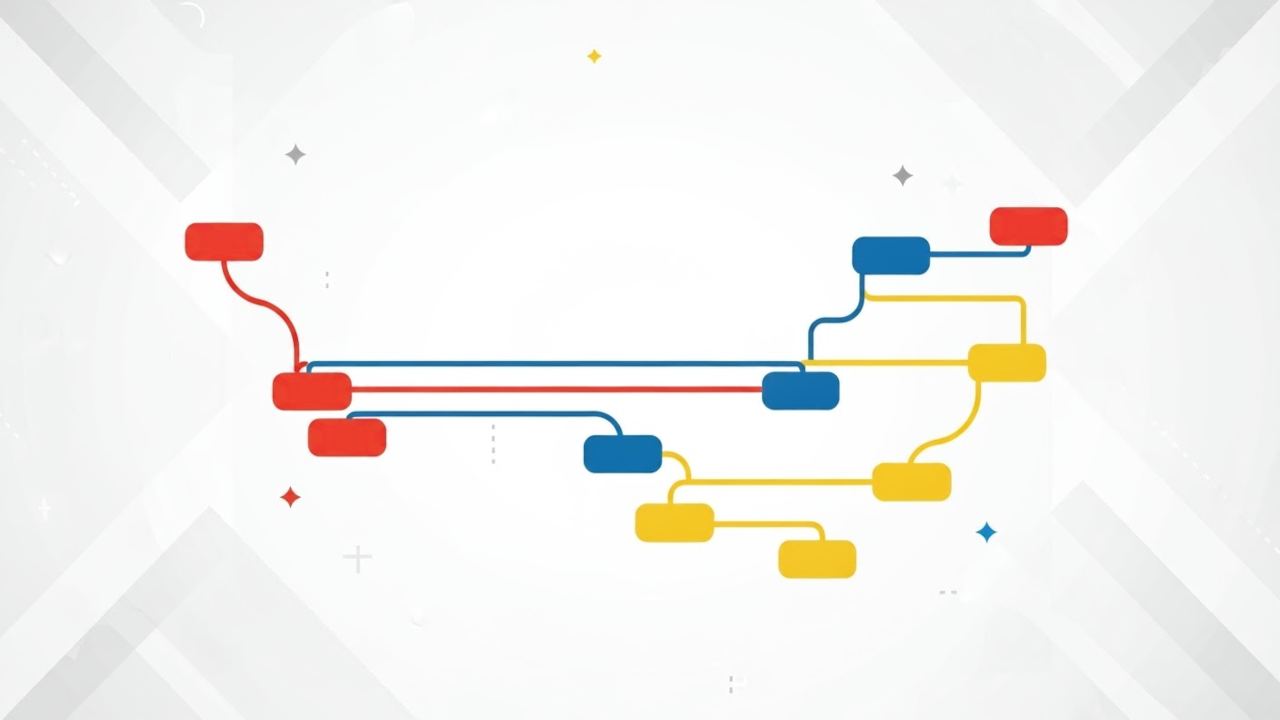
Are you just starting with Git and wondering what branches are and why they’re so important? You’re in the right place! This beginner-friendly guide will walk you through creating and managing Git branches, a fundamental concept in version control that makes collaborating and testing code safer and easier.
What is Git?
Git is a free and open-source distributed version control system. It allows developers to track changes, collaborate with others, and manage multiple versions of code in a reliable way.
Why Use Branches in Git?
Branches let you work on new features, bug fixes, or experiments without affecting the main codebase (usually the main or master branch). You can test safely, merge changes when ready, and avoid breaking working code.
How to Create a Git Branch
You can create a branch in just a few steps:
- Open your terminal and navigate to your Git project.
- Run the following command:
git branch feature-branch - Switch to your new branch:
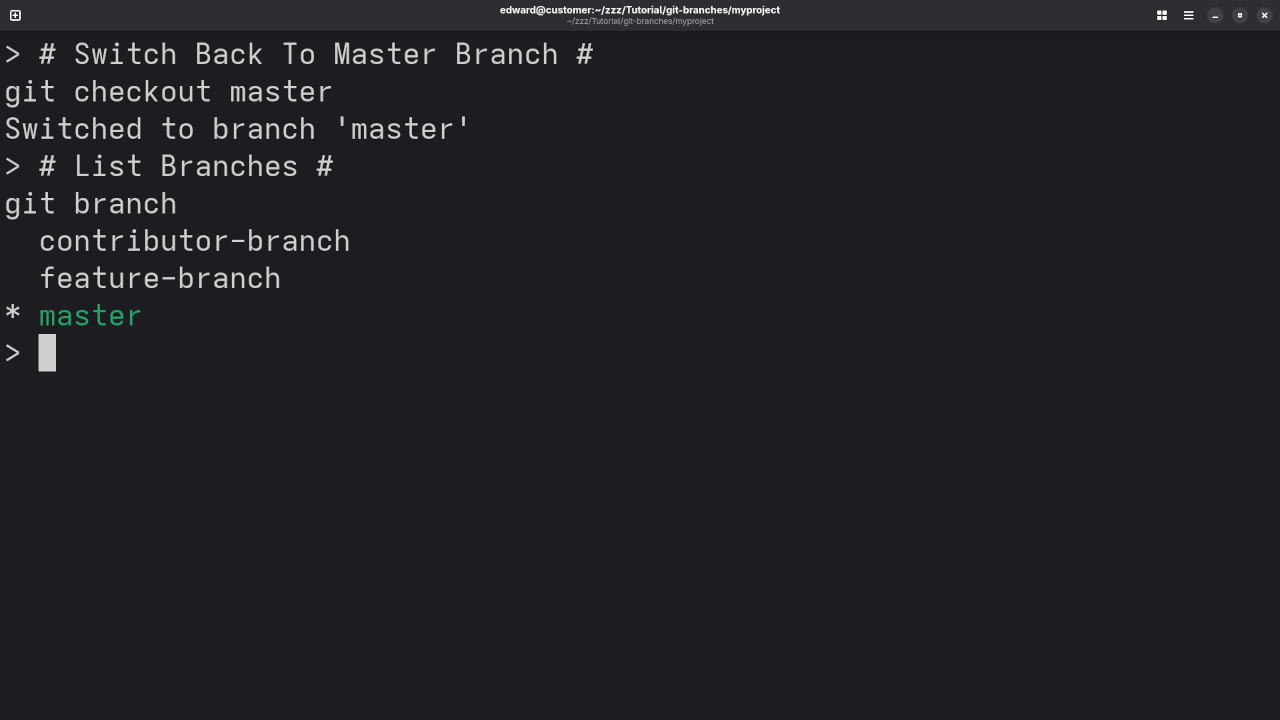
git checkout feature-branch Or combine both steps in one:
git checkout -b feature-branch Managing Git Branches
- List branches:
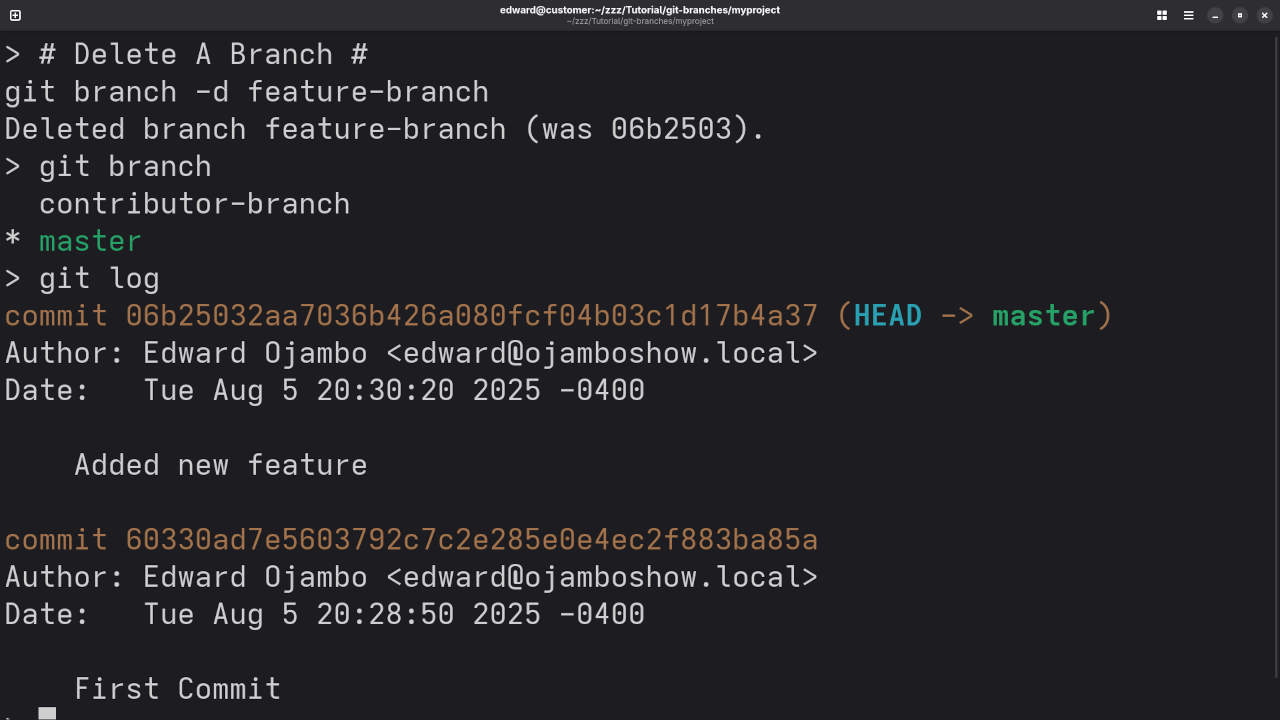
git branch - Delete a branch:
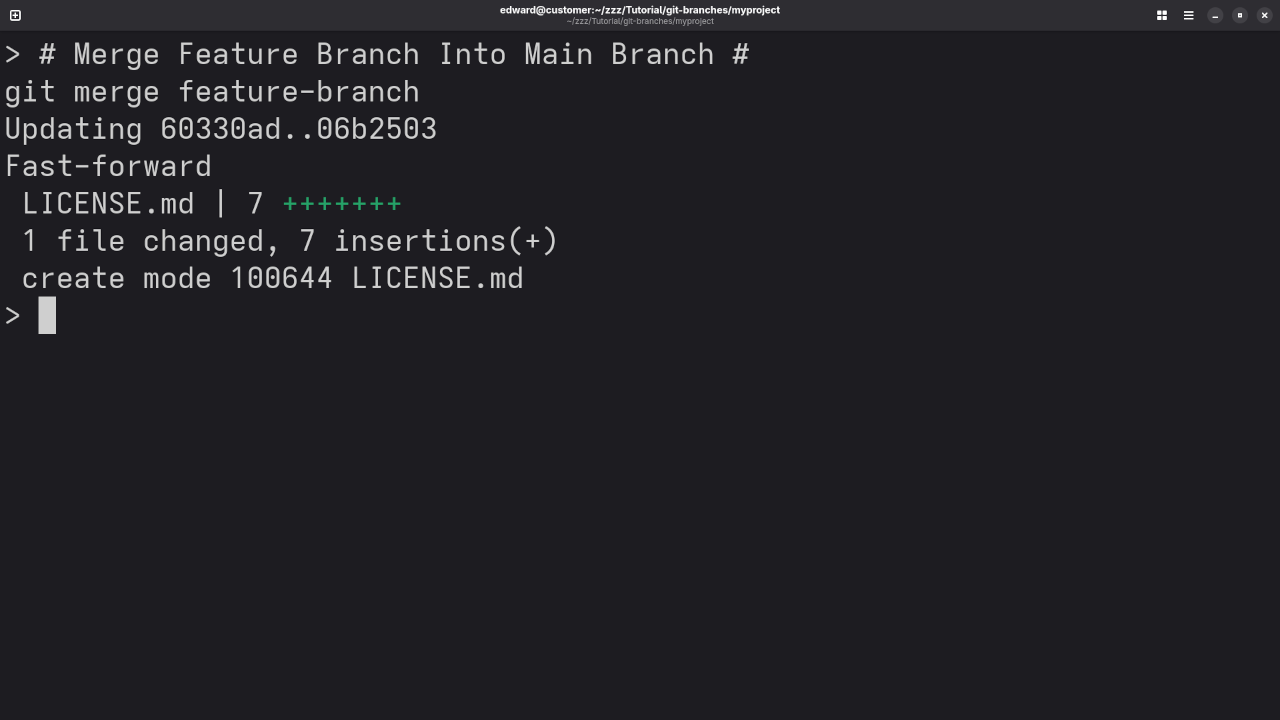
git branch -d feature-branch - Merge a branch into
main:git checkout main git merge feature-branch
These commands help you manage your project cleanly and keep your code organized.
Screencast Tutorial & Screenshots
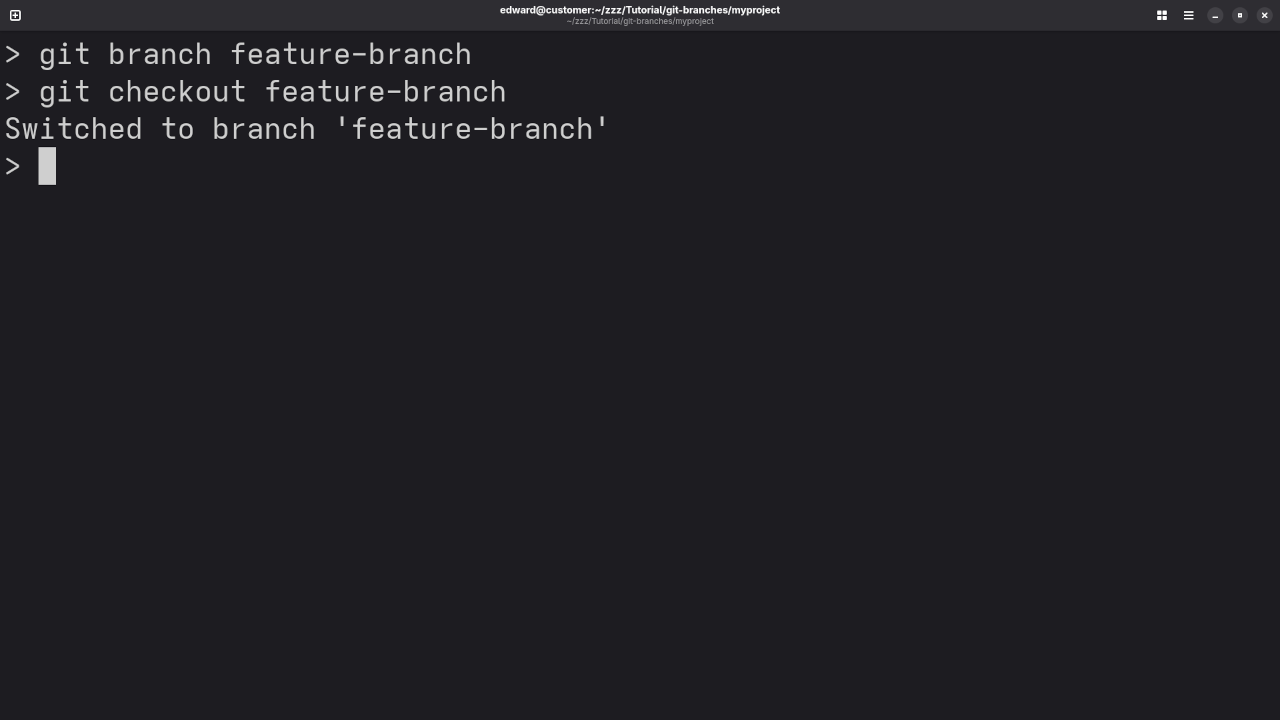
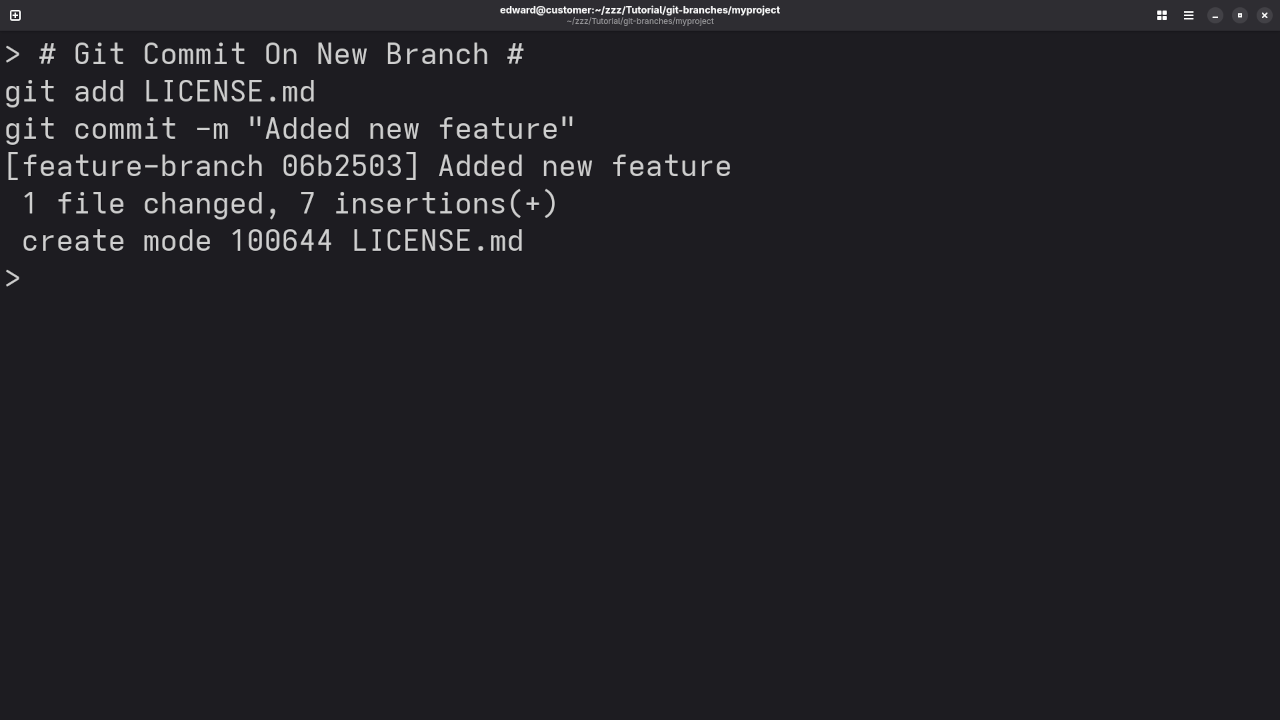
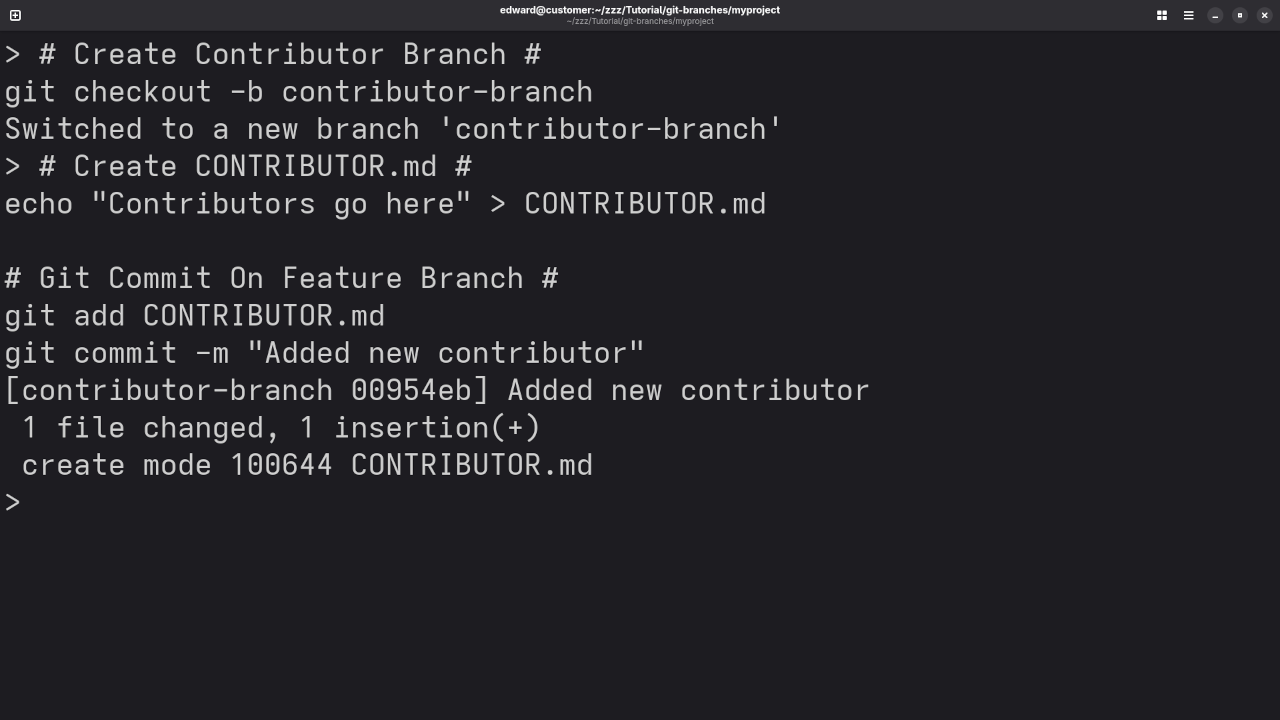
Want to Learn More?
Check out my growing library of programming books:
Edward Ojambo’s Books on Amazon
Online Courses
Dive deeper into programming with my hands-on online courses:
Browse Courses on OjamboShop
Need One-on-One Help?
I’m available for personal programming tutorials!
Contact Me for 1-on-1 Programming Help
Git Installations & Repository Migration
Need help setting up Git or migrating your existing Git repositories?
Request Git Services Here
Final Thoughts
Branching in Git may sound technical at first, but with a little practice, it becomes second nature. It’s a powerful tool to help keep your projects clean, organized, and collaboration-friendly.
Don’t hesitate to reach out if you need help getting started!
🚀 Recommended Resources
Disclosure: Some of the links above are referral links. I may earn a commission if you make a purchase at no extra cost to you.