
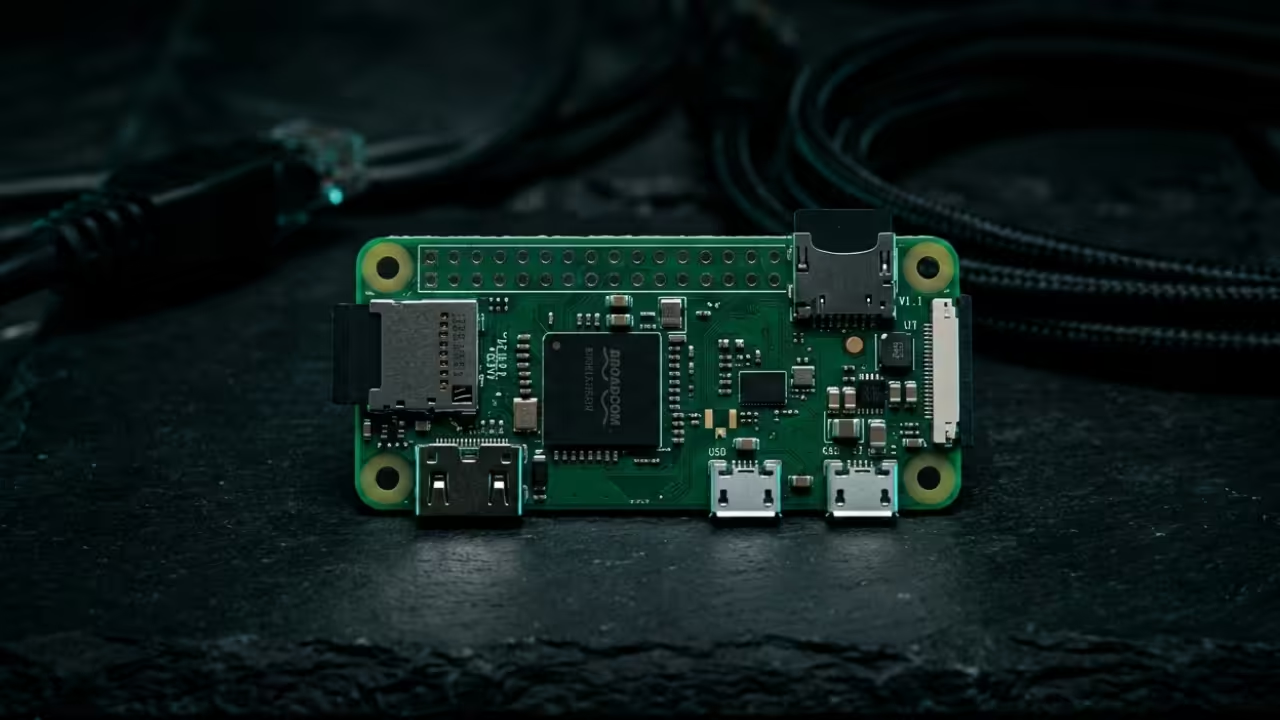
Most people realize their home network remains vulnerable to snooping every time they connect to public coffee shop wireless. We live in an era where data privacy is shrinking while the need for remote file access keeps growing.
Traditional VPN solutions often feel sluggish and consume too much power for continuous residential use in a modern home. You likely struggle with complex configurations and high subscription costs that never seem to provide the promised security levels.
Experience Digital Freedom
Using PiVPN with WireGuard on the tiny Raspberry Pi Zero W creates a sensation of absolute digital freedom. You will feel a surge of confidence knowing your data travels through a military grade encrypted tunnel every second.
The connection is so seamless that you might actually forget you are using a remote server in your house. It provides that satisfying moment when your private files appear instantly on your phone while sitting in a park.

Hardware Efficiency and Performance
The hardware required for this build is minimal but the performance results are nothing short of legendary for enthusiasts. You are essentially building a dedicated security appliance that fits inside a small matchbox and sips almost no electricity.
This project represents the ultimate intersection of hardware efficiency and software elegance for anyone serious about their privacy. The installation process is streamlined through a single command string that handles the heavy lifting of the configuration.
| Hardware | Power Usage | Protocol | Setup Difficulty |
|---|---|---|---|
| Pi Zero W | 1.2 Watts | WireGuard | Easy |
| Old Laptop | 30 Watts | OpenVPN | Moderate |
| Router | 15 Watts | IPSec | Complex |
| Hardware | Power Usage | Protocol | Setup Difficulty |
Insider Configuration Secrets
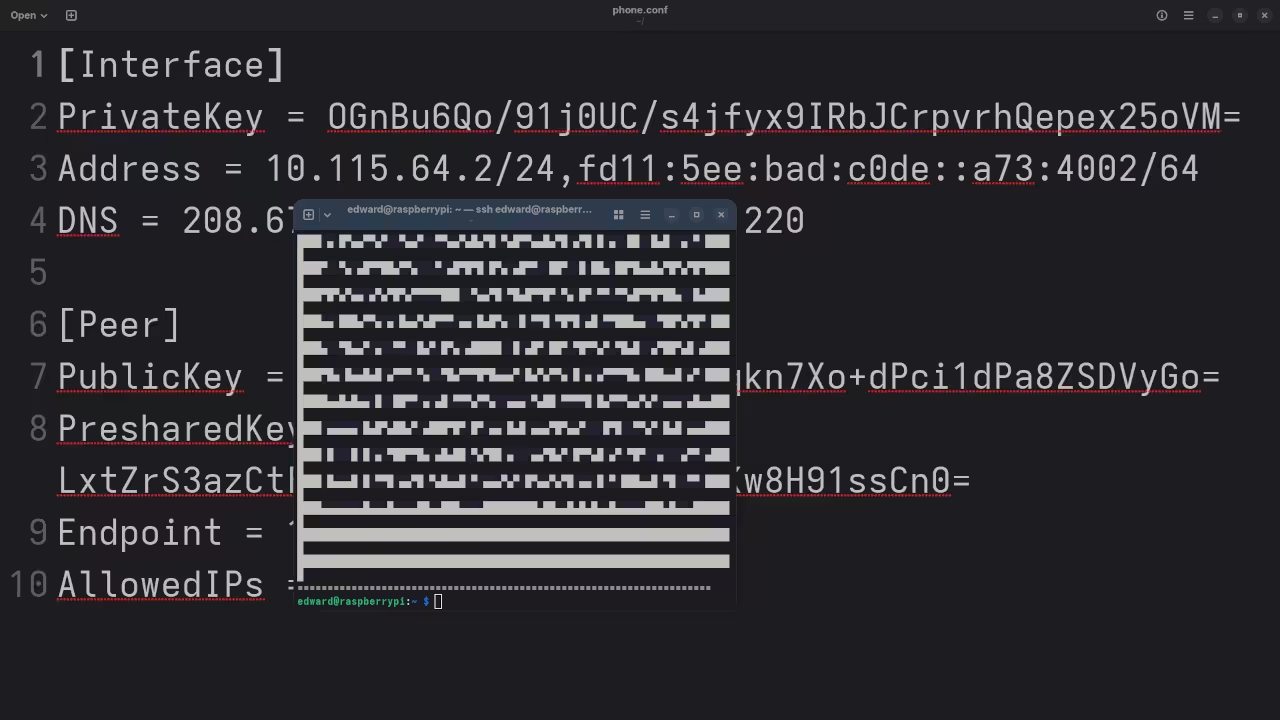
One critical insider tip involves the Maximum Transmission Unit or MTU settings within your WireGuard client configuration file. If you experience stalled connections on cellular networks try lowering the MTU value to exactly 1280 in your profile.
This specific adjustment prevents packet fragmentation which is a common silent killer of performance on many mobile carrier towers. Most automated scripts miss this fine detail but it makes a massive difference for high quality streaming stability.
Reclaim Your Digital Footprint
Mastering this stack allows you to reclaim ownership of your digital footprint without paying monthly fees to third parties. You can securely bridge multiple locations and manage your home automation systems as if you were sitting on your couch.
This setup is the secret weapon for creative professionals who need to access high resolution assets while traveling light. Experience the peace of mind that comes with knowing your home network is always just one tap away.
Master the Professional Stack
- Books: https://www.amazon.com/stores/Edward-Ojambo/author/B0D94QM76N
- Blueprints: https://ojamboshop.com
- Tutorials: https://ojambo.com/contact
- Consultations: https://ojamboservices.com/contact
🚀 Recommended Resources
Disclosure: Some of the links above are referral links. I may earn a commission if you make a purchase at no extra cost to you.

Leave a Reply